AI workspace
The screen you live in: the rail, the page, the panes and the conversation.
Parts
16in the order they sit on the screenThe house at the top. Goes to the home of your main workspace, on its main profile. Its tooltip names the main workspace.
Shot from the dashboard on November 20, 2026. The business and its customers are made up.
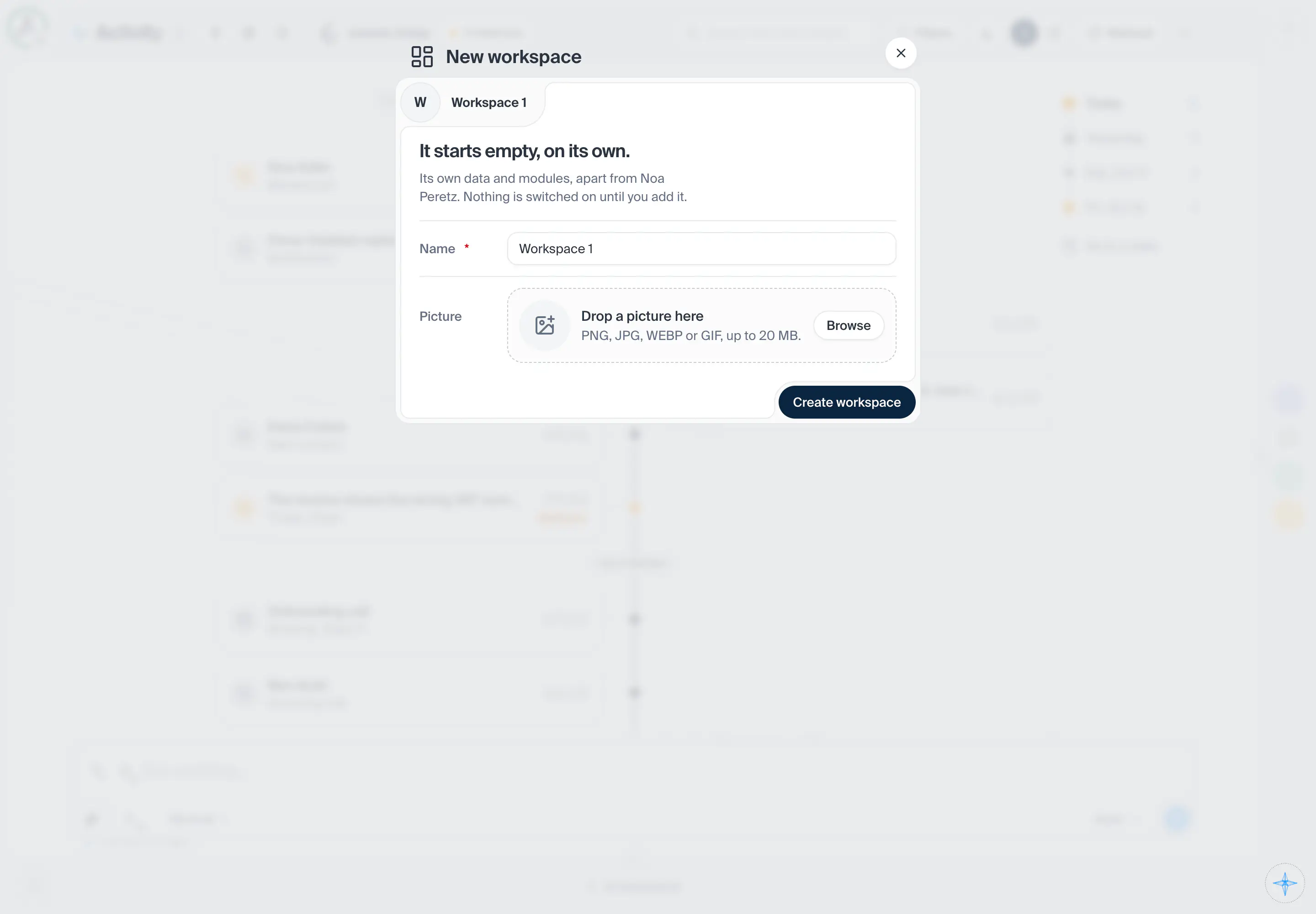
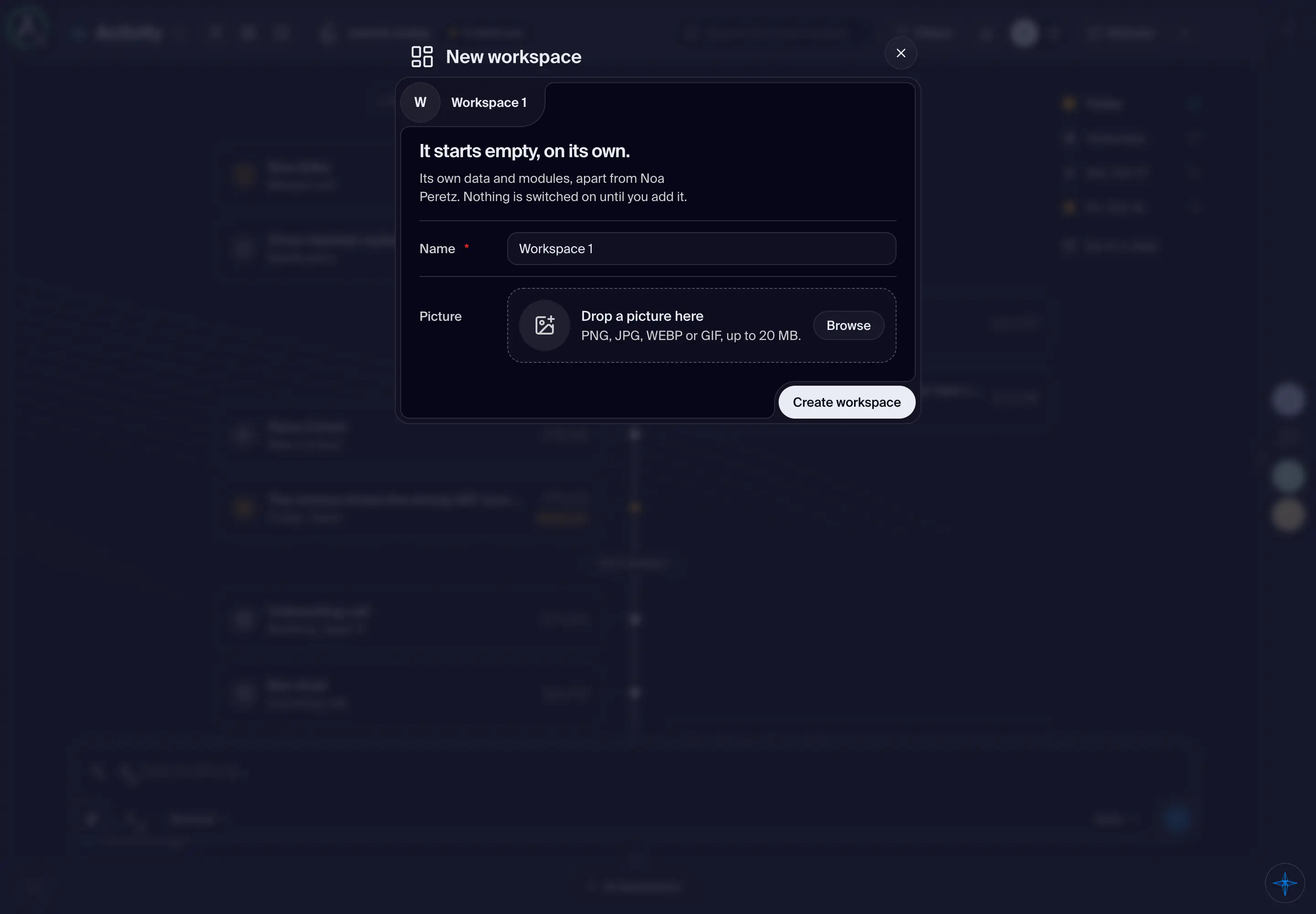
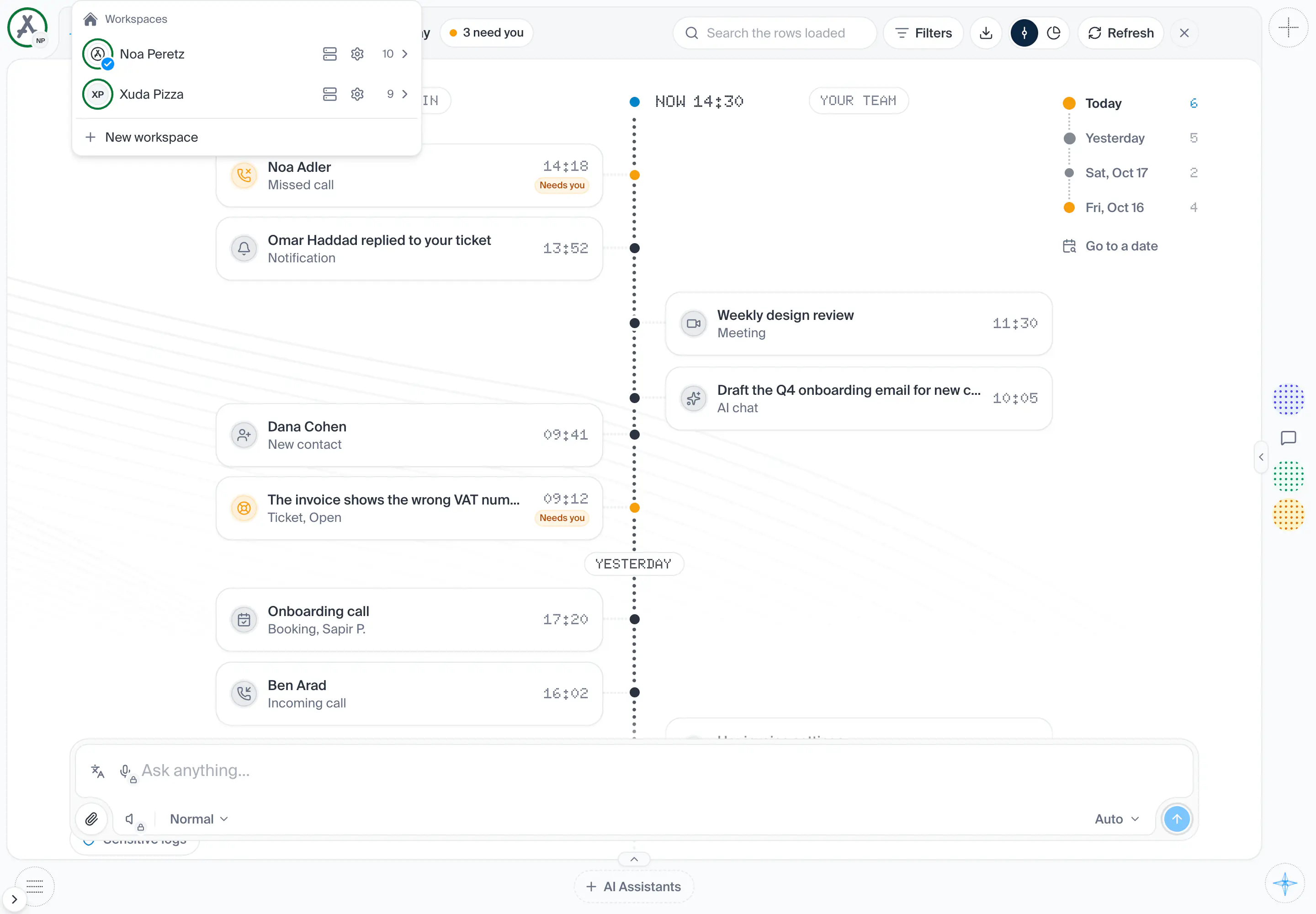
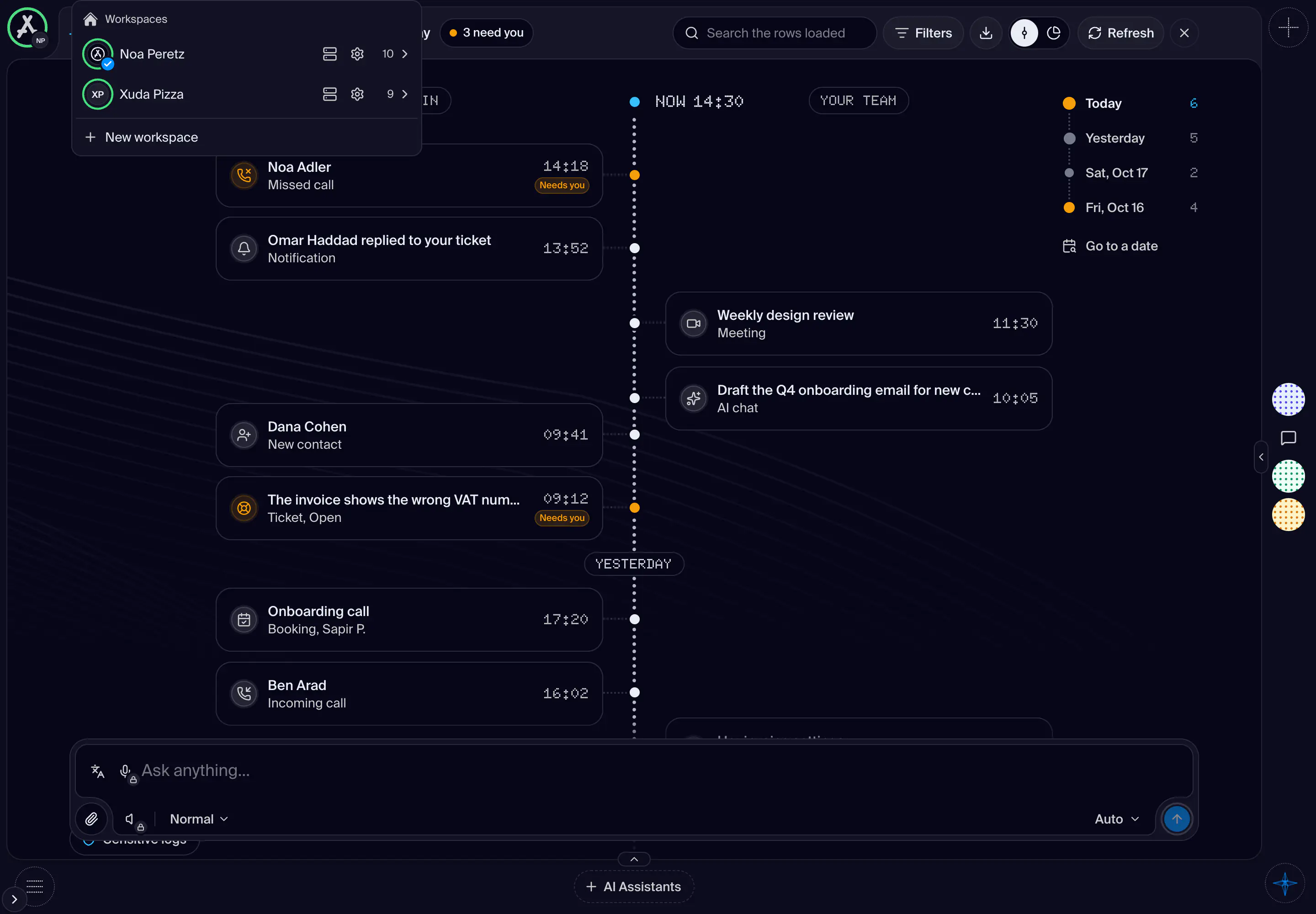
The menu that hangs from the workspace face in the top start corner. It lists every workspace you can open, the account's own first, with what each holds, and the things shared with you. Under them stand the profiles of the workspace on screen and Add profile, the same list the profile chip opens. Choosing a workspace changes the whole screen to it: the rail, the panes, the corner and the page. A workspace's face wears a ring that fills as its AI credits are used, and a busy ring while its Workspace VPS is working. Point at the face, without pressing, for the card of the workspace on screen.
- How you get here
- Workspace
What opens from here