AI workspace
The screen you live in: the rail, the page, the panes and the conversation.
This screen has no picture yet. Every part of it is listed and explained here, and the screen itself is one press away.
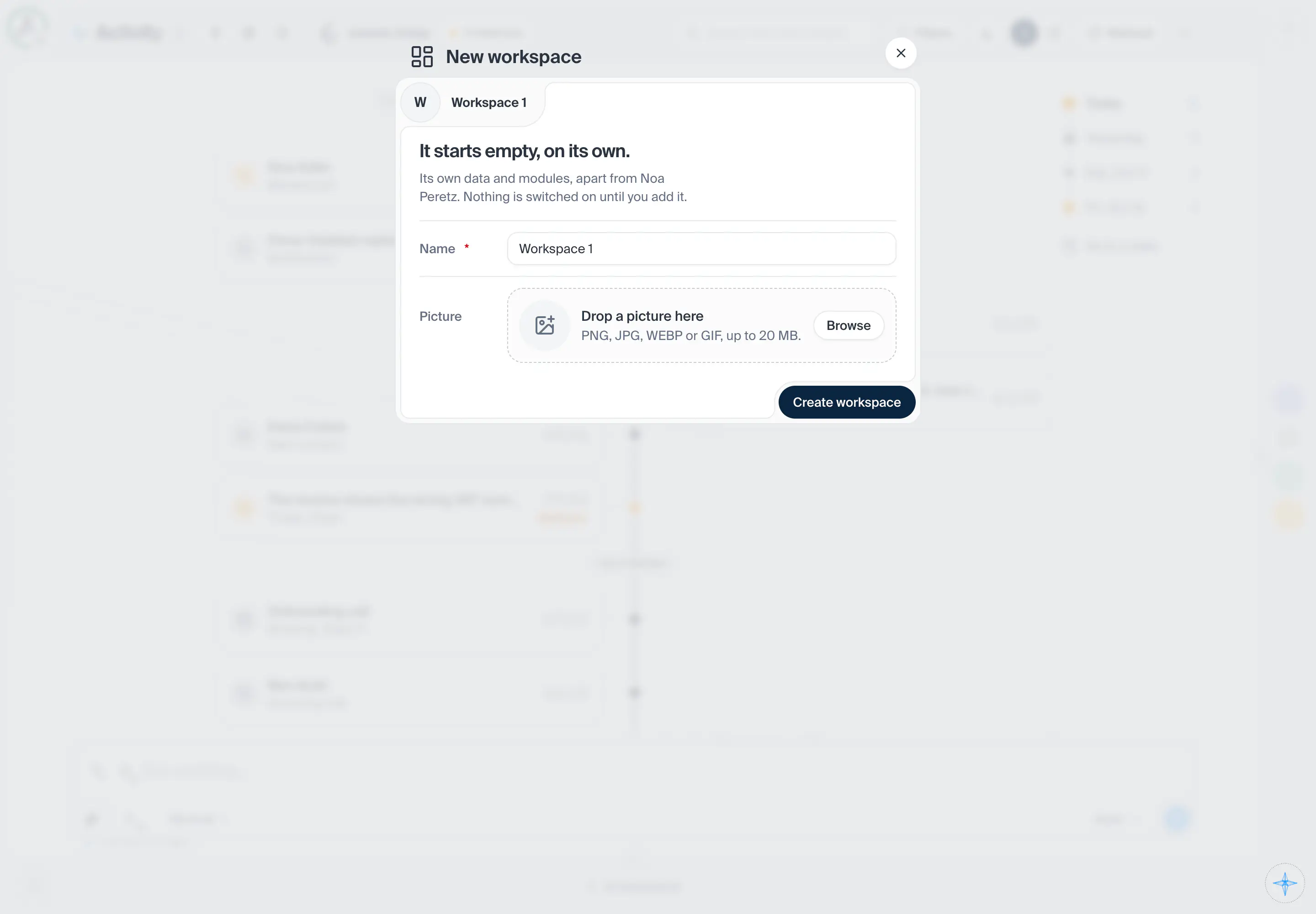
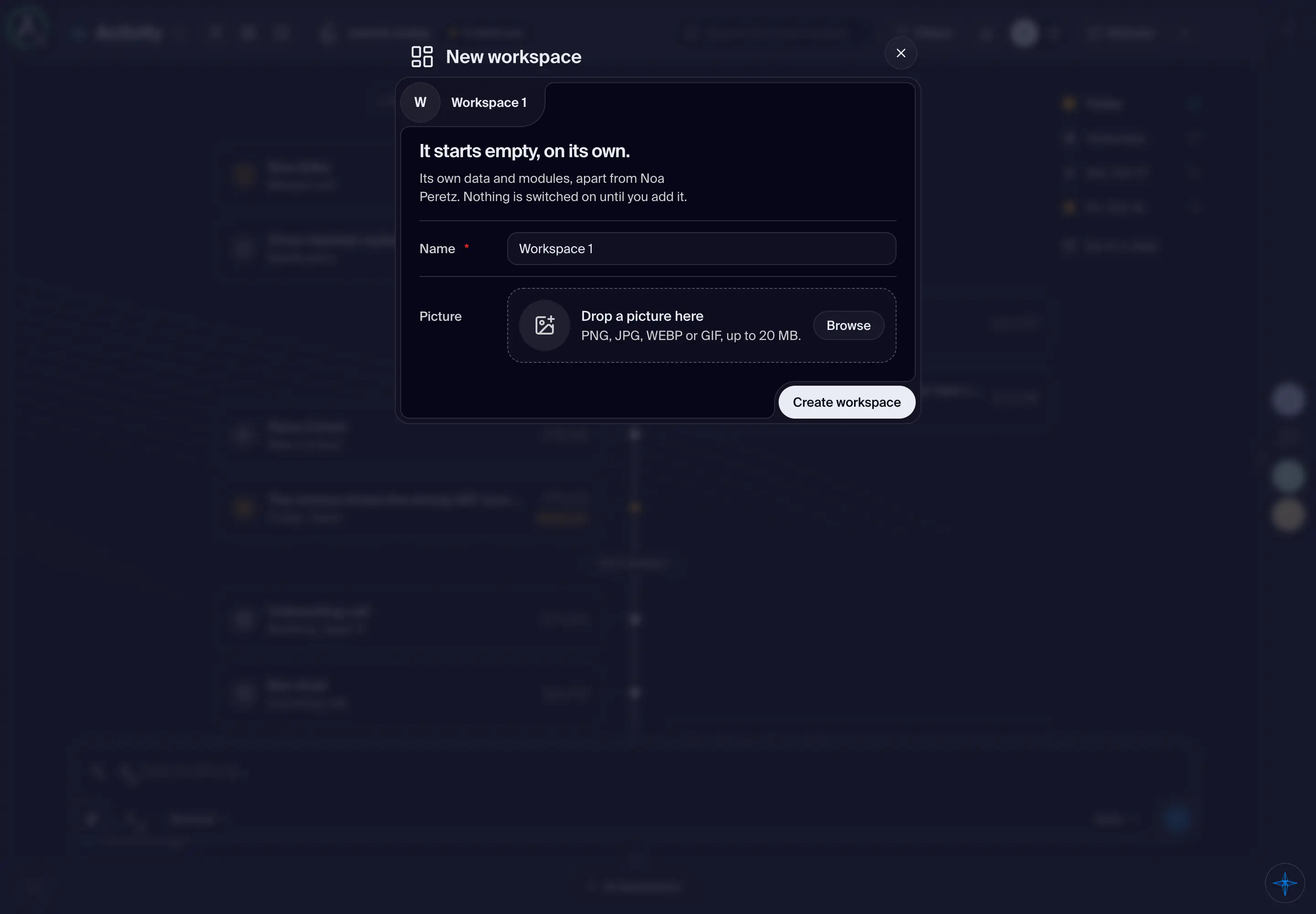
Open this screenWhat the workspace's button in the main menu's header opens on a phone (from 768 pixels wide, the workspace face in the corner): the workspaces you can open, with their Workspace VPS, settings and unread notifications, then the profiles of the workspace on screen and Add profile. On a phone it rises from the bottom of the screen as a sheet titled Workspaces: a short list is as tall as its rows, a long one opens at half height and can be pulled up. Pull it down or press outside it to close it. On a wider window it is a menu under the button, or under the face from 768 pixels wide. The same choices as on a desktop.
- How you get here
- Open main menuSwitch workspaceand 1 other way
What opens from here