AI workspace
The screen you live in: the rail, the page, the panes and the conversation.
This screen has no picture yet. Every part of it is listed and explained here, and the screen itself is one press away.
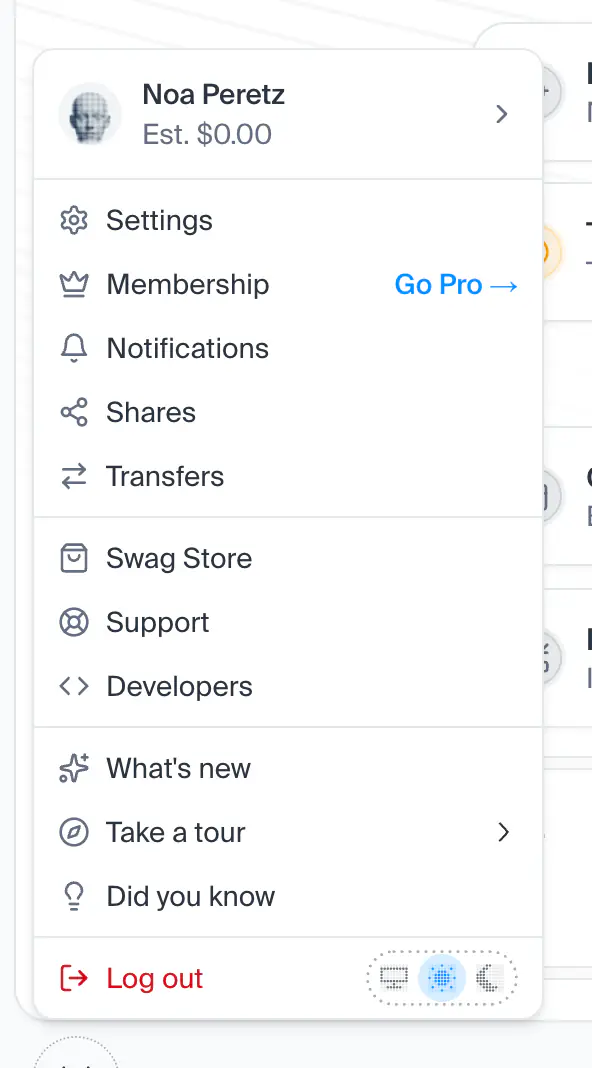
Open this screenThe main menu of the phone, a drawer from the start edge: the workspace's button and New chat on top (from 768 pixels wide, the Xuda mark in the button's place), the chats you were in, then everything the Assets rail lists, with your account and Create at the foot. Pressing any row closes the menu and opens it; a swipe back, or a press on the page beside it, closes it.
- How you get here
- Open main menu