AI workspace
The screen you live in: the rail, the page, the panes and the conversation.
Parts
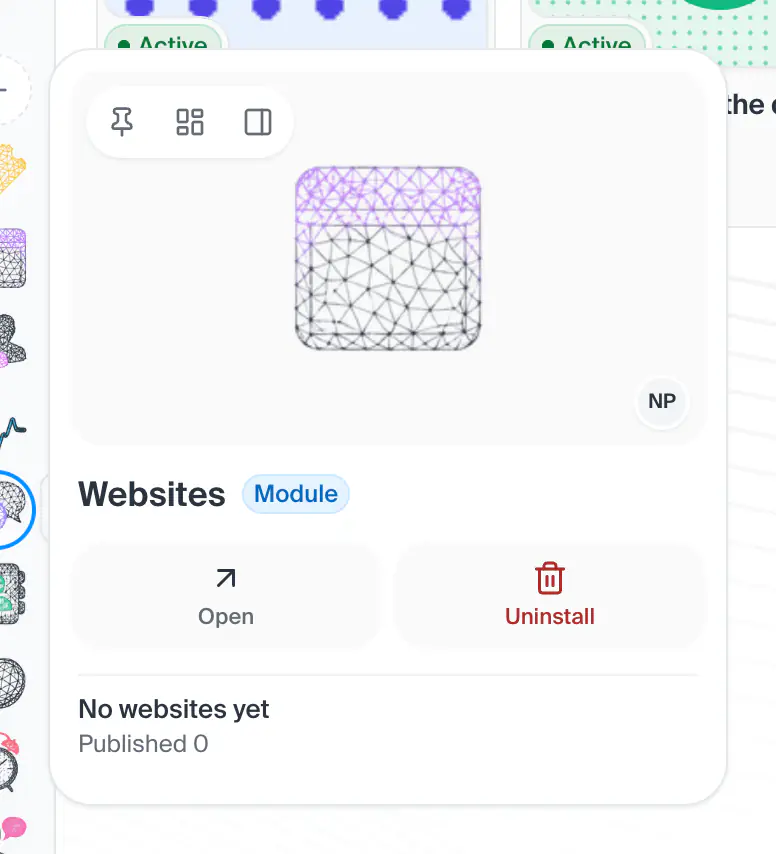
13in the order they sit on the screenThe thing's name, beside a line that says what kind of thing it is, with its state in a badge (working, online, off).
Shot from the dashboard on November 20, 2026. The business and its customers are made up.
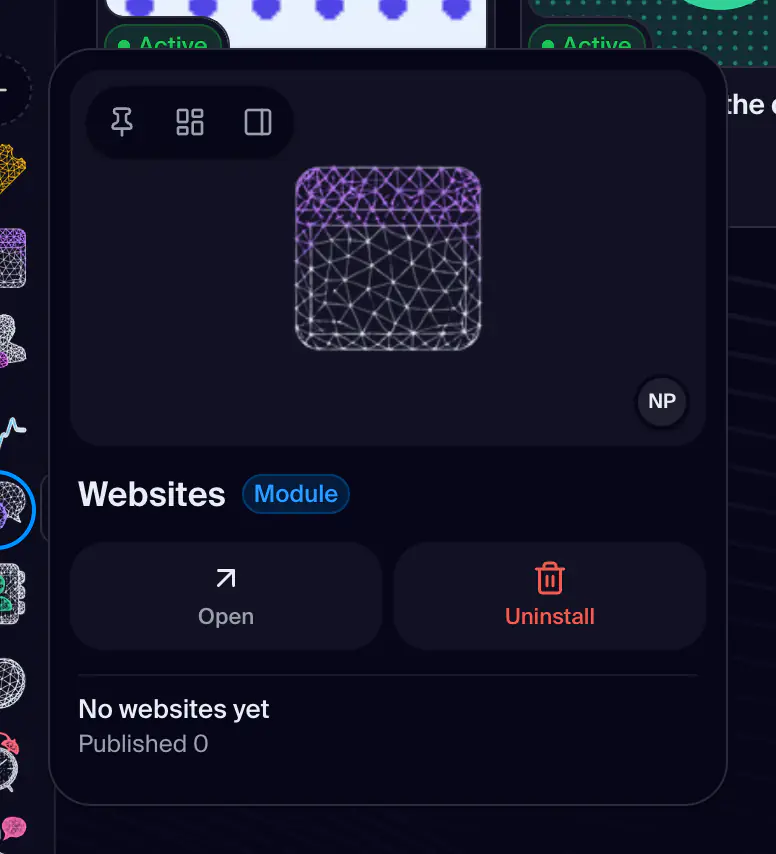
The card that opens beside any face: a row of the Assets rail, a face of one of the three panes, a card on the Profile overview tab. It is one card with one shape: the thing's face large on a quiet ground, with Pin, Add as a tab, the heart and Hide in a small chip on it and its state and owner beside, then its name and what it is, a strip of buttons for what it is opened for, and a few facts. More, last in the strip, opens the card's other actions as its own side. With Auto hover off a card opens on a right click, on the Assets rail too. What the facts are depends on the thing: a module shows its summary, a server its usage, a contact its status and numbers, a chat its last exchange, a skill or assistant its chats. The contact's and the module's own details are in their manuals.
- How you get here
- Lives on another page of the dashboard