AI workspace
The screen you live in: the rail, the page, the panes and the conversation.
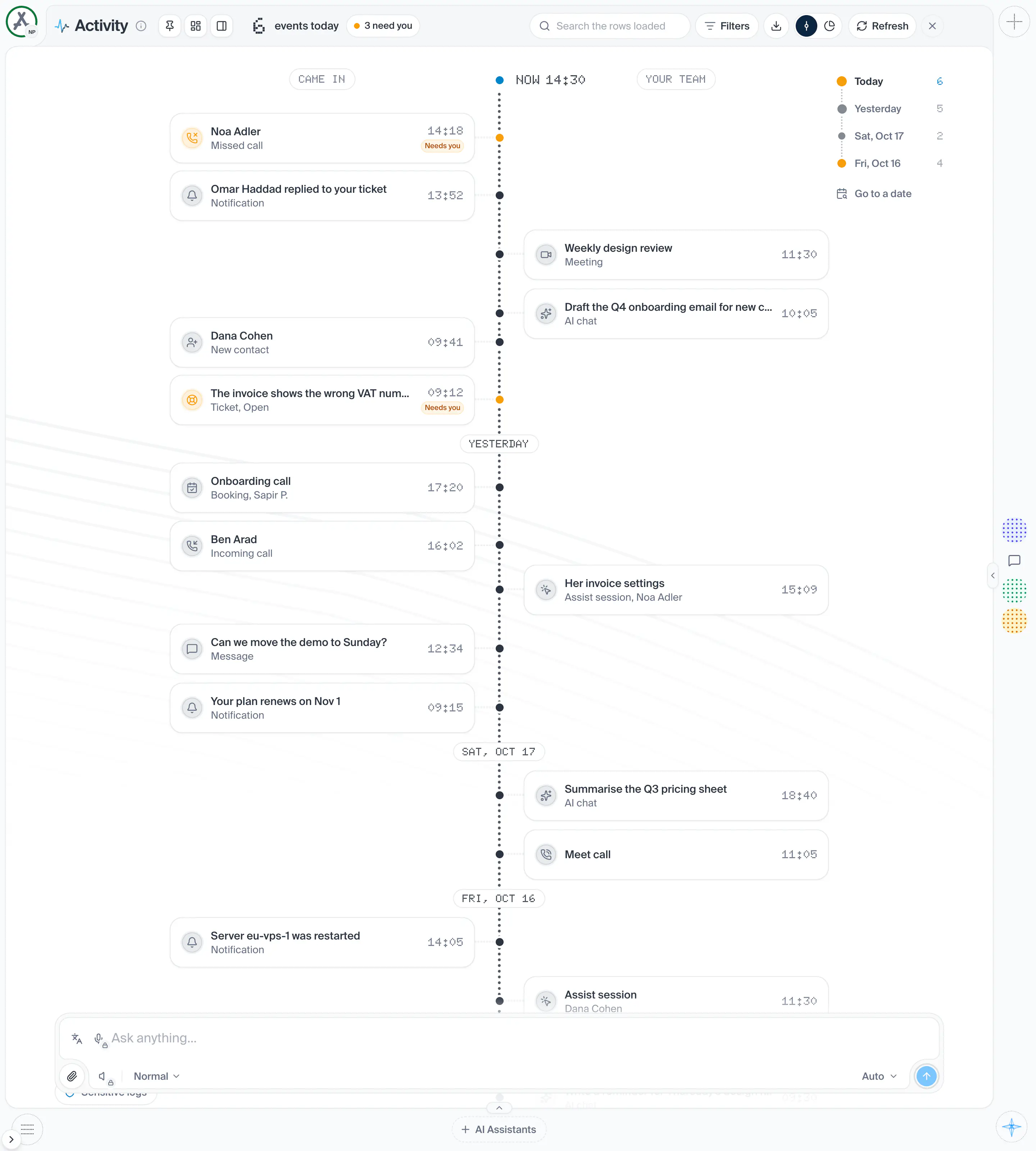
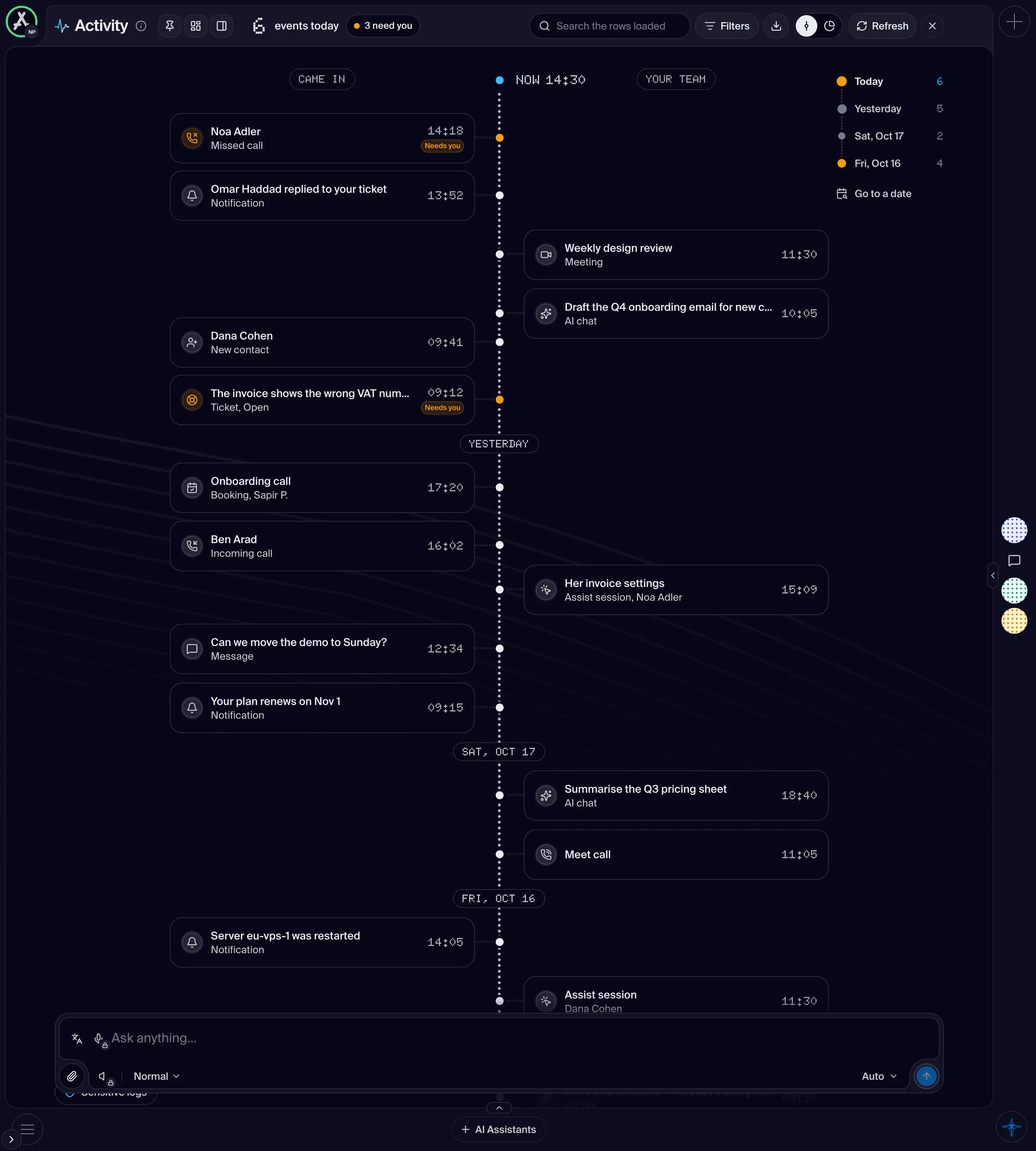
Parts
6in the order they sit on the screenGoes back to where the screen was opened from, or to the workspace's home. It is named after the workspace.
Shows when: The screen is not the workspace's landing.
Shot from the dashboard on November 20, 2026. The business and its customers are made up.
Below 1024 pixels wide, phones and tablets in either direction, the dashboard is drawn as one column with no panes and no rail. It answers the same addresses as the full dashboard, and every screen in it is the real one, drawn in the phone's card. Round its edges sit the frame's own corner items: the menu on one corner and, from 768 pixels wide, the workspace face on the other. Under 768 pixels wide, as in the iPhone app held upright, the workspace is picked in the main menu's header instead, and that corner is left to the page's own actions. A row of tabs at the top (Chats, Contacts, AI Assistants) is the three panes, each now a screen. Anything that deploys, and the dock, are not offered on a phone.
- How you get here
/dashboard