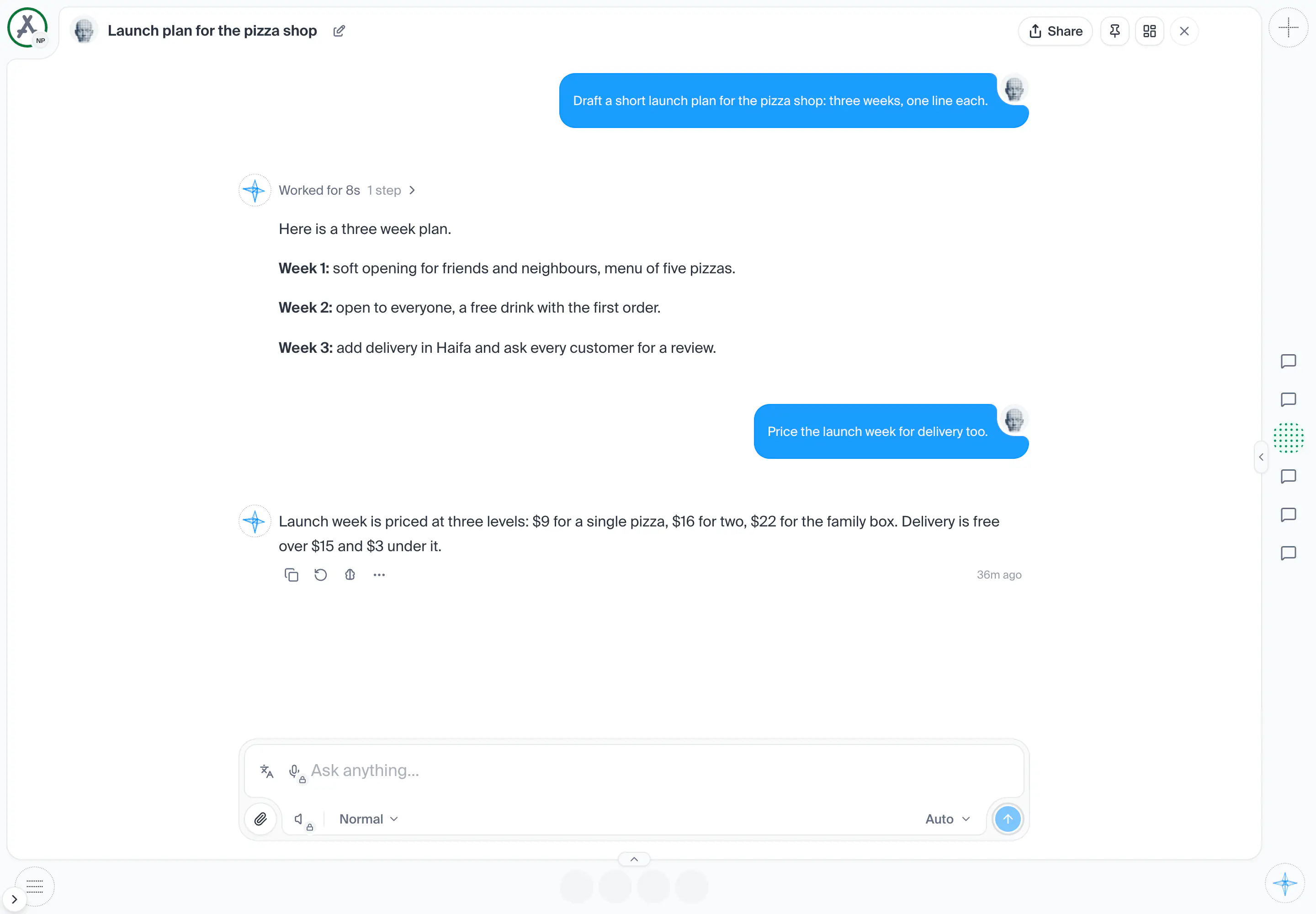
AI workspace
The screen you live in: the rail, the page, the panes and the conversation.
Parts
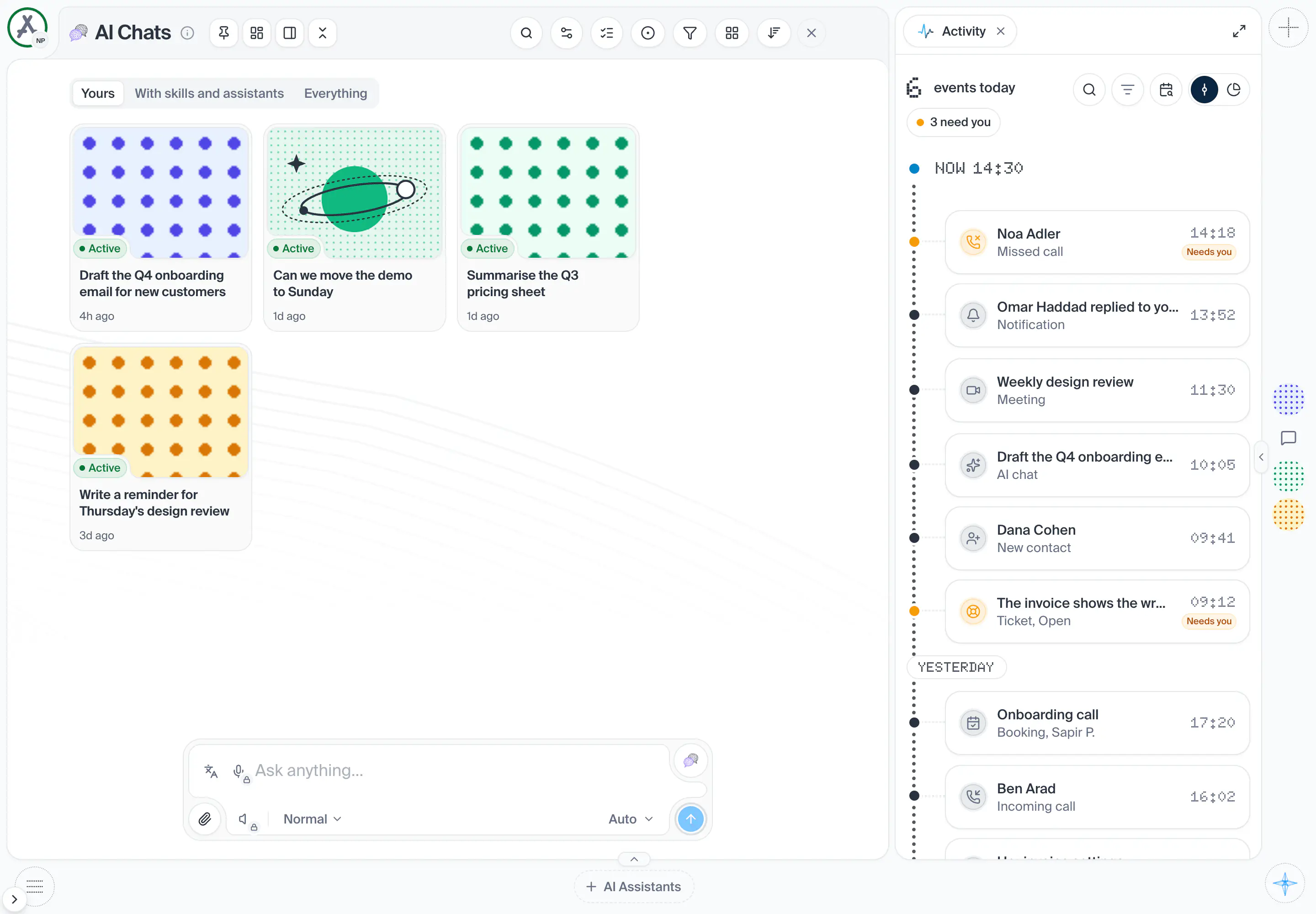
10in the order they sit on the screenOne thing in the pane: a contact (with an online dot and an unread mark), an AI Assistant, a chat or a group of contacts. A plain press opens it in a window over the page and leaves the address as it is; a press with Ctrl, Cmd or Shift, or a middle press, is the browser's and opens it in a new tab. Point at it for its card; drag to reorder. A wide pane names each face.
OpensAn item's window
Shot from the dashboard on November 20, 2026. The business and its customers are made up.
A band on each of the other three edges: Contacts along the top, AI Assistants along the bottom and AI Chats down the end edge. Each shows up to 30 faces of the workspace on screen, its pinned faces first, then the ones live now (a contact online, an Assistant at work, a chat running), then the rest, newest first. Pin on a face's card pins it there and puts it first. A face that changes place fades out where it was and back in at its new place, as a row or column you can scroll. A pane follows its module's switch: when the module is off in the workspace the pane is not drawn. A face is the thing's own picture; pointing at it opens its card, and pressing it opens the thing in a window over the page.
- How you get here
- Lives on another page of the dashboard
What opens from here