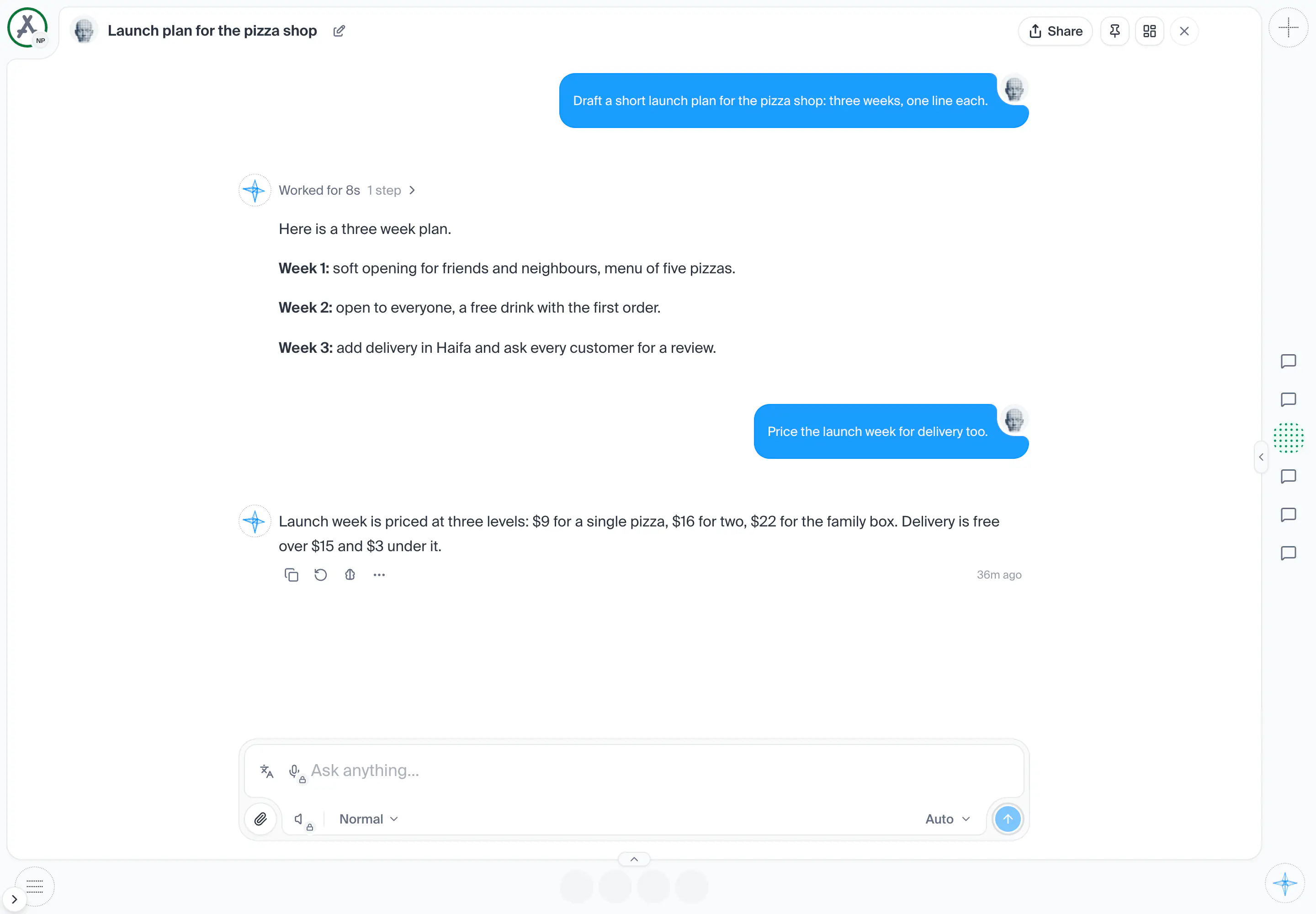
AI workspace
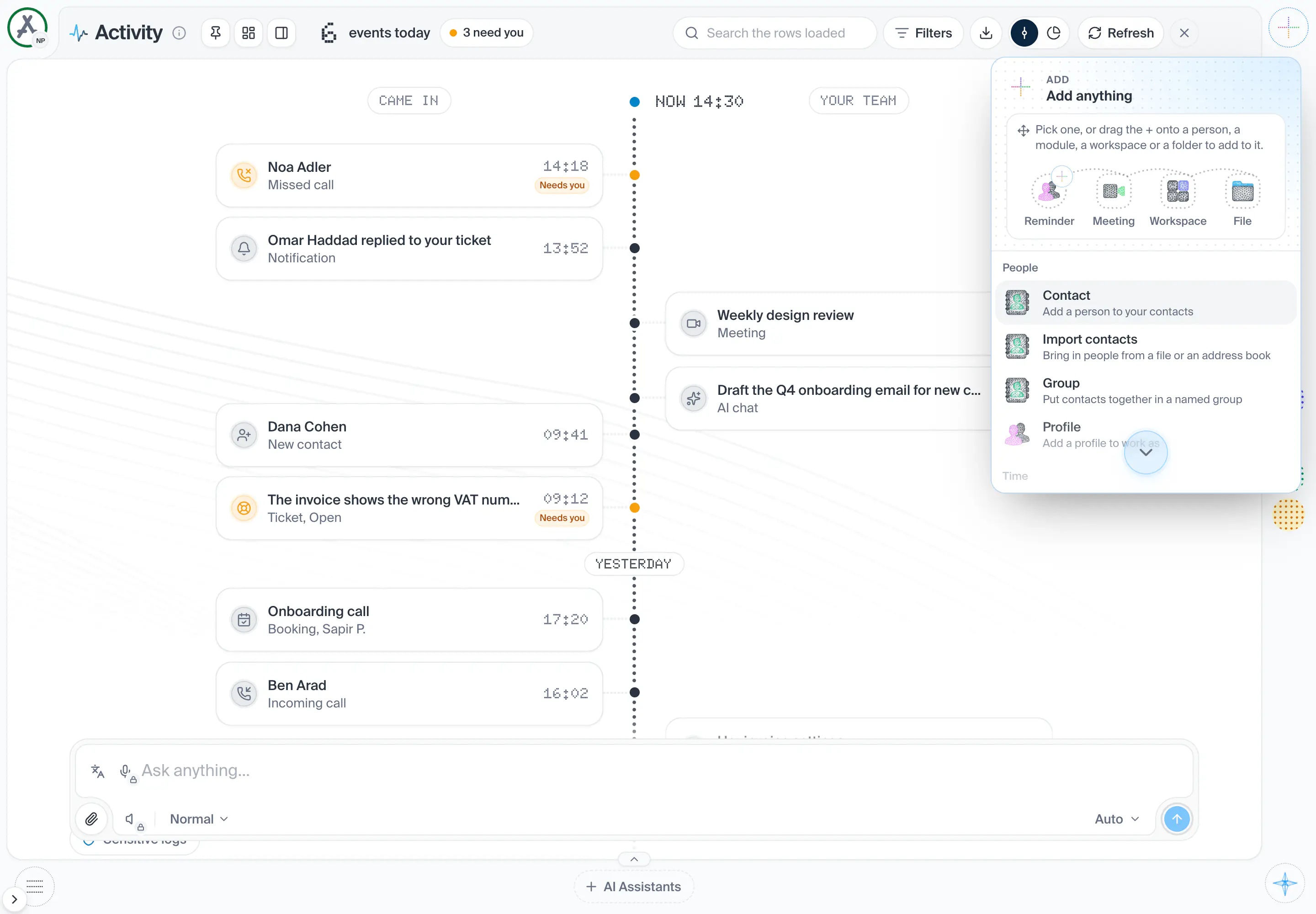
The screen you live in: the rail, the page, the panes and the conversation.
Parts
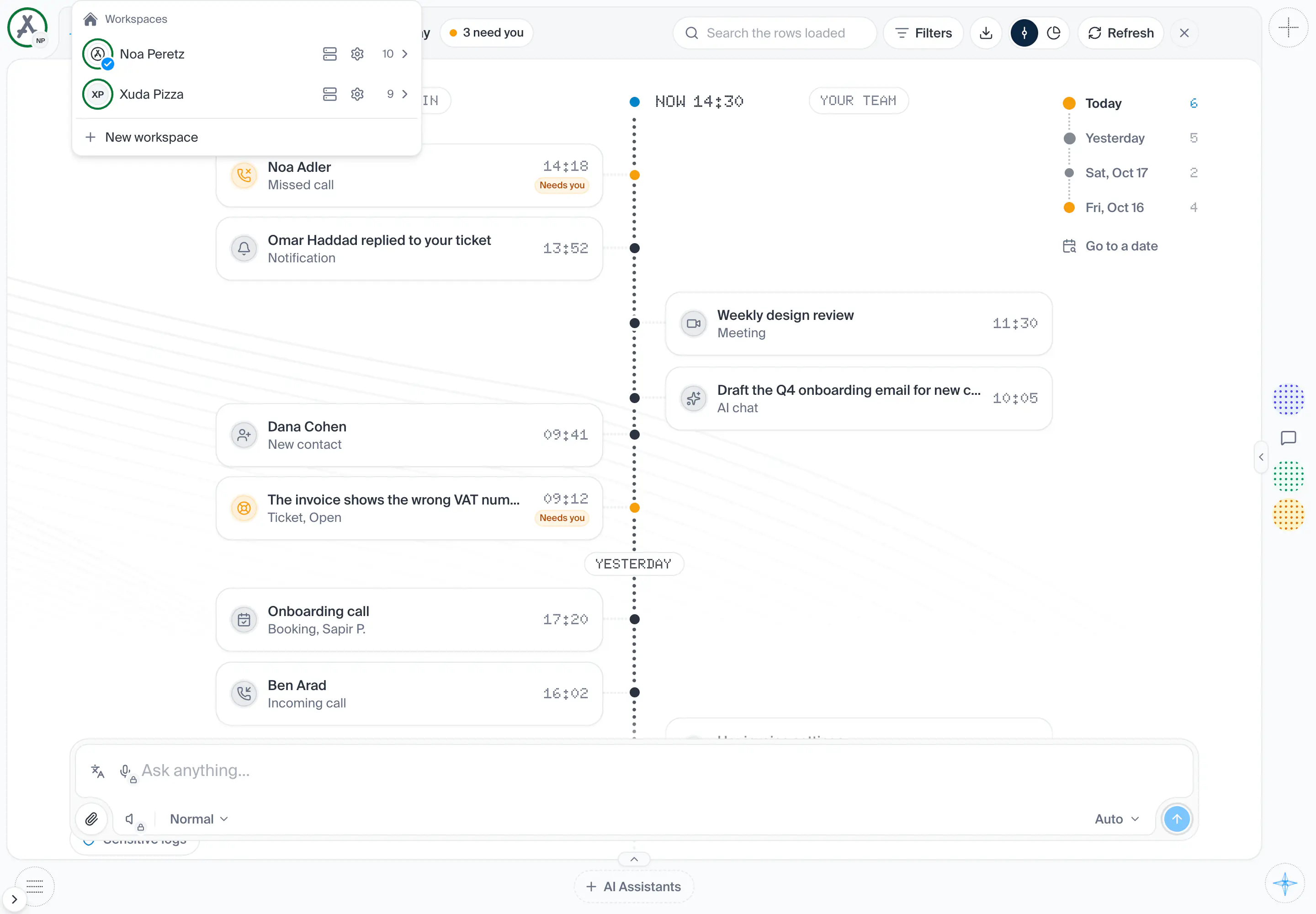
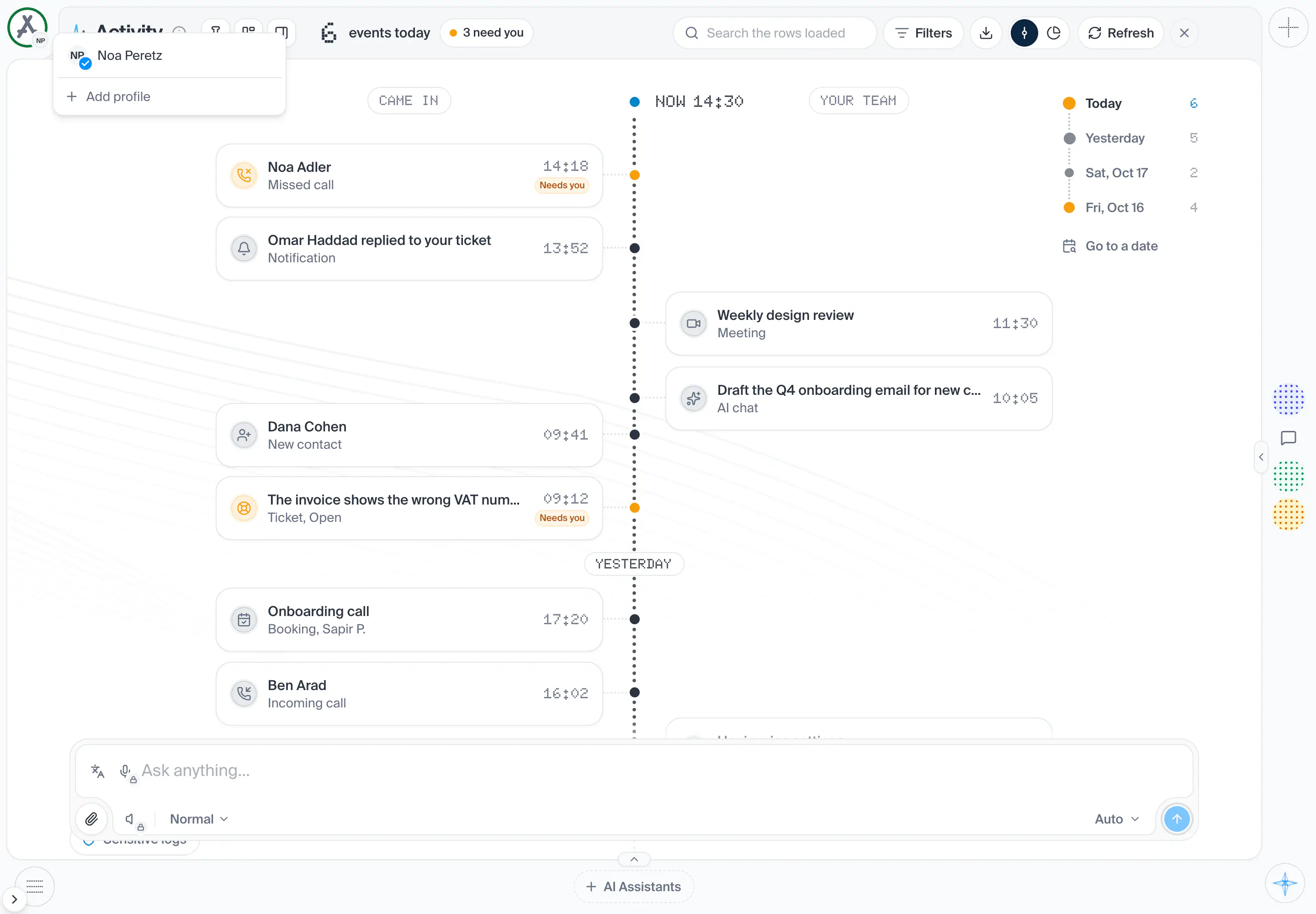
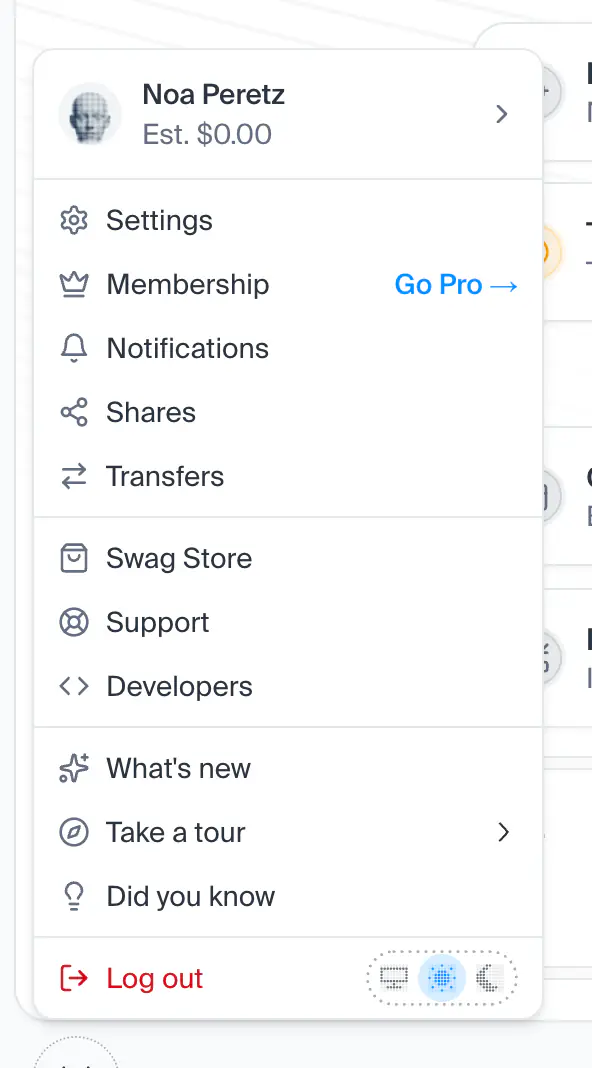
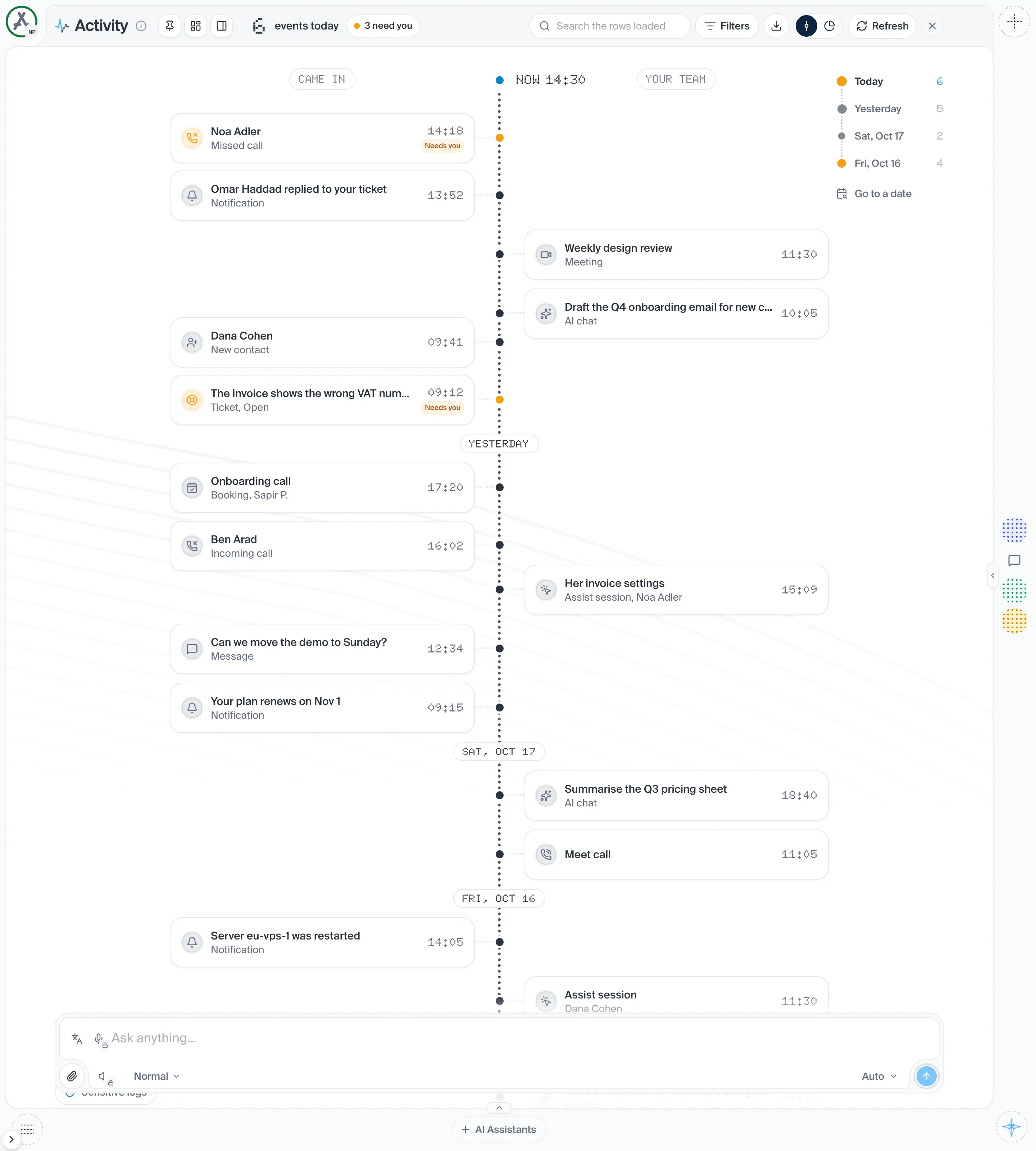
10in the order they sit on the screenThe workspace you are in, as its face, in the top start corner of the frame. Press it for the workspace's menu.
OpensThe workspace menu
Each pane shows up to 30 faces, pinned ones first, then the ones live now. Opening one opens it in a window over the page.
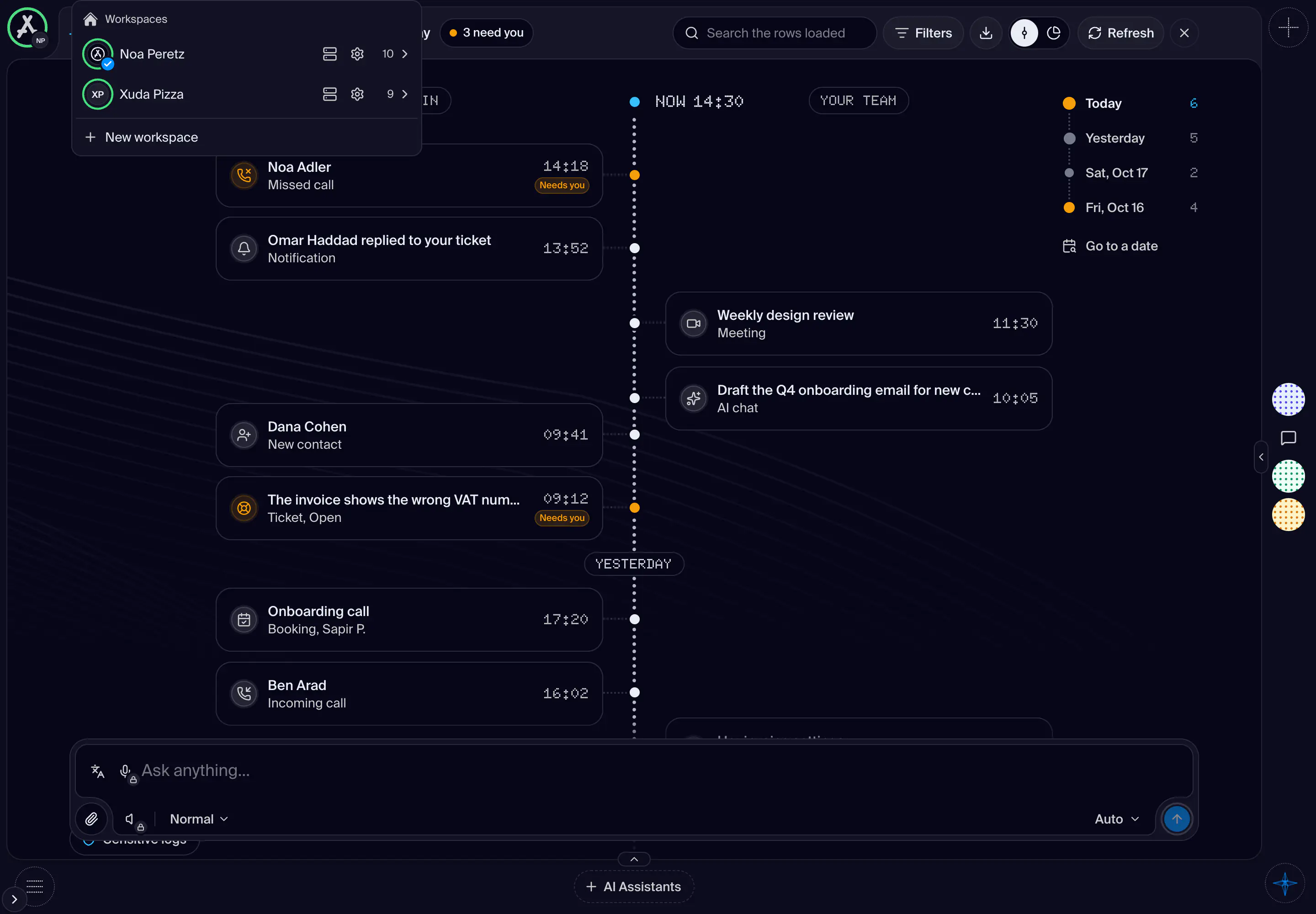
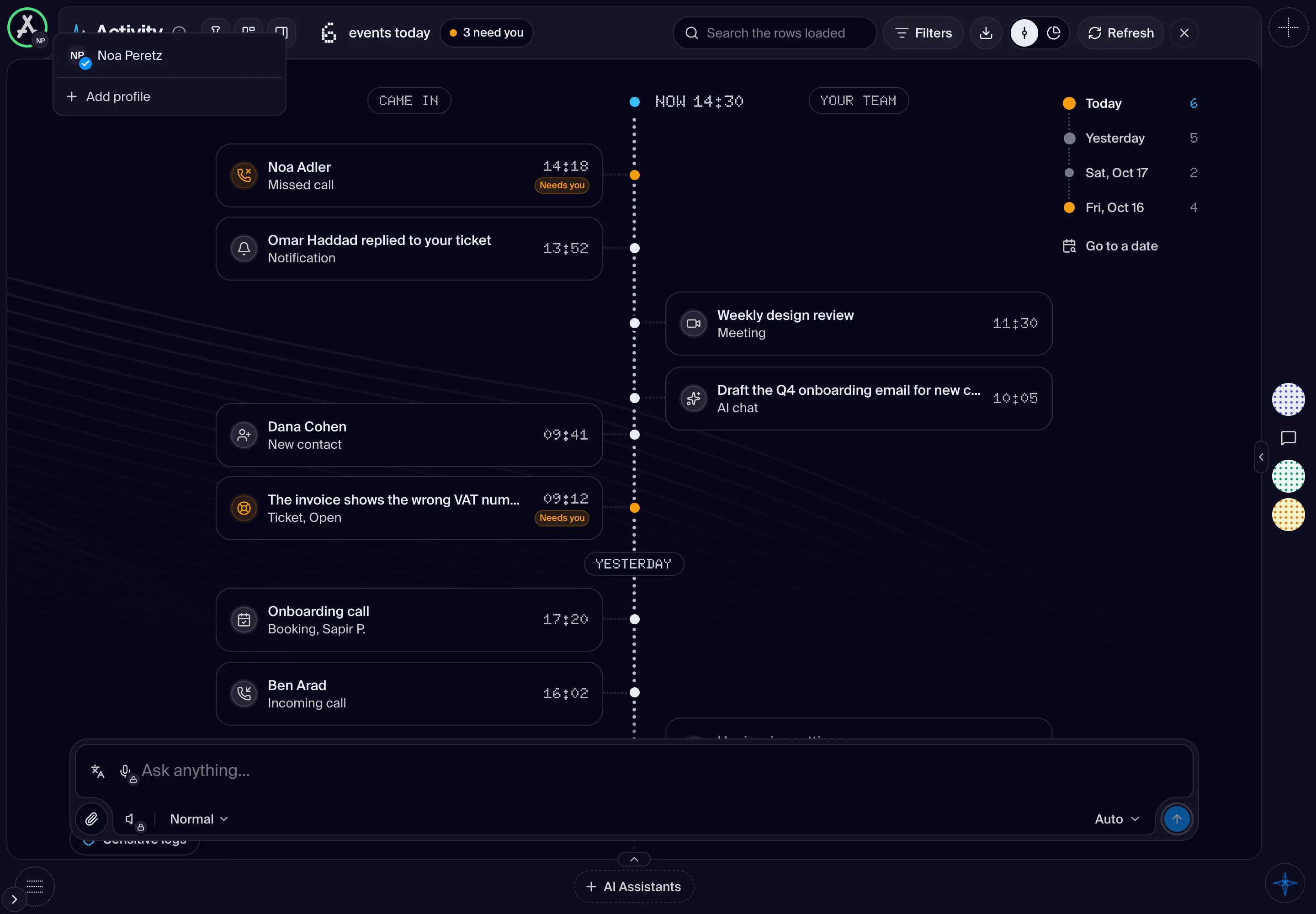
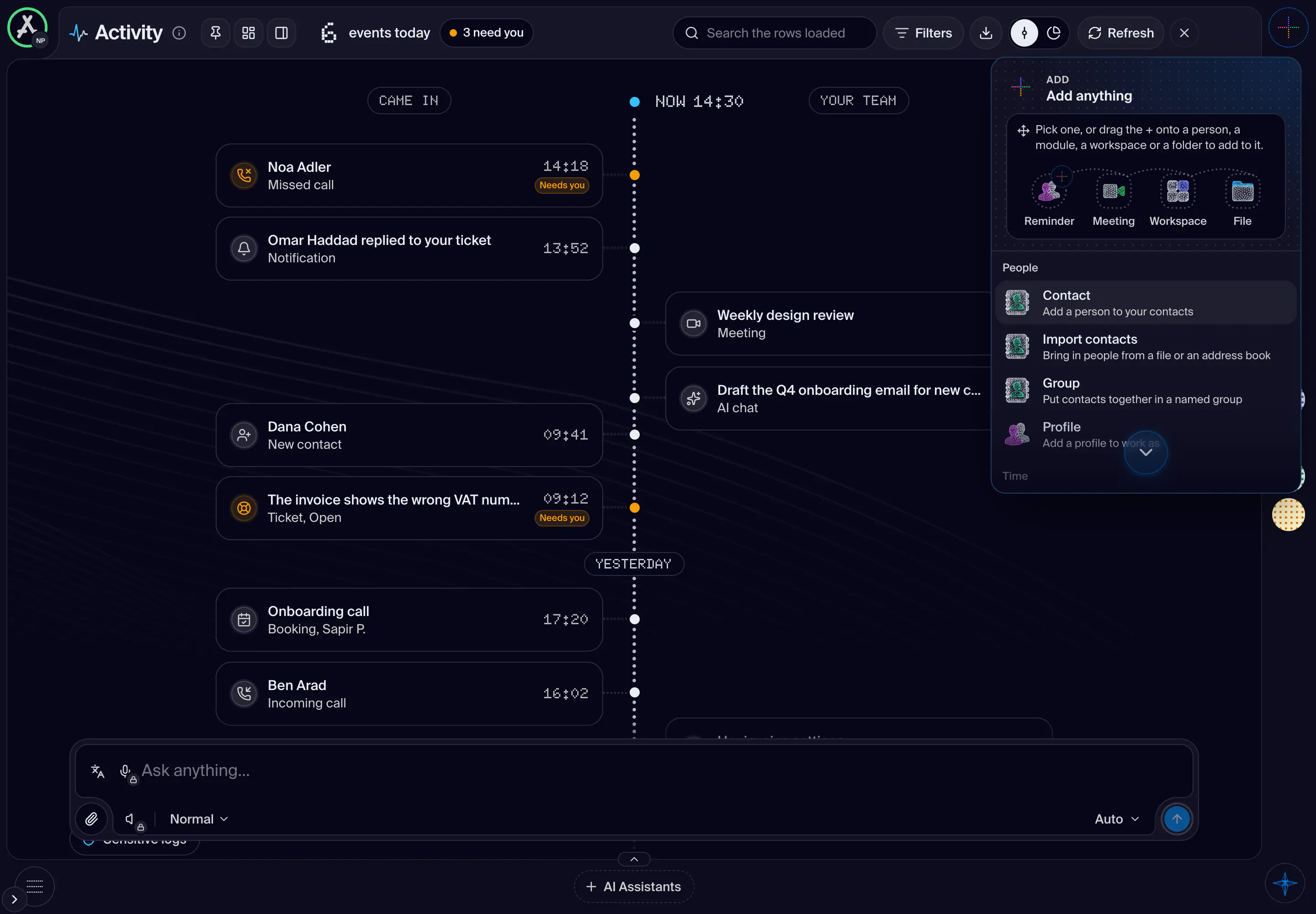
Shot from the dashboard on November 20, 2026. The business and its customers are made up.
What is always on screen on a desktop, whatever page you are on: the corner, the Assets rail on the start edge, the page in the centre, and a pane on each of the other three edges. This is the first screen of this manual. The canvas, the rail, the panes, the add window, the menus of the corner, the notices and jobs and the phone each have their own screens after it.
- How you get here
/dashboard
What opens from here