Deployments
Put an app, a server or a site live, then run it.
Parts
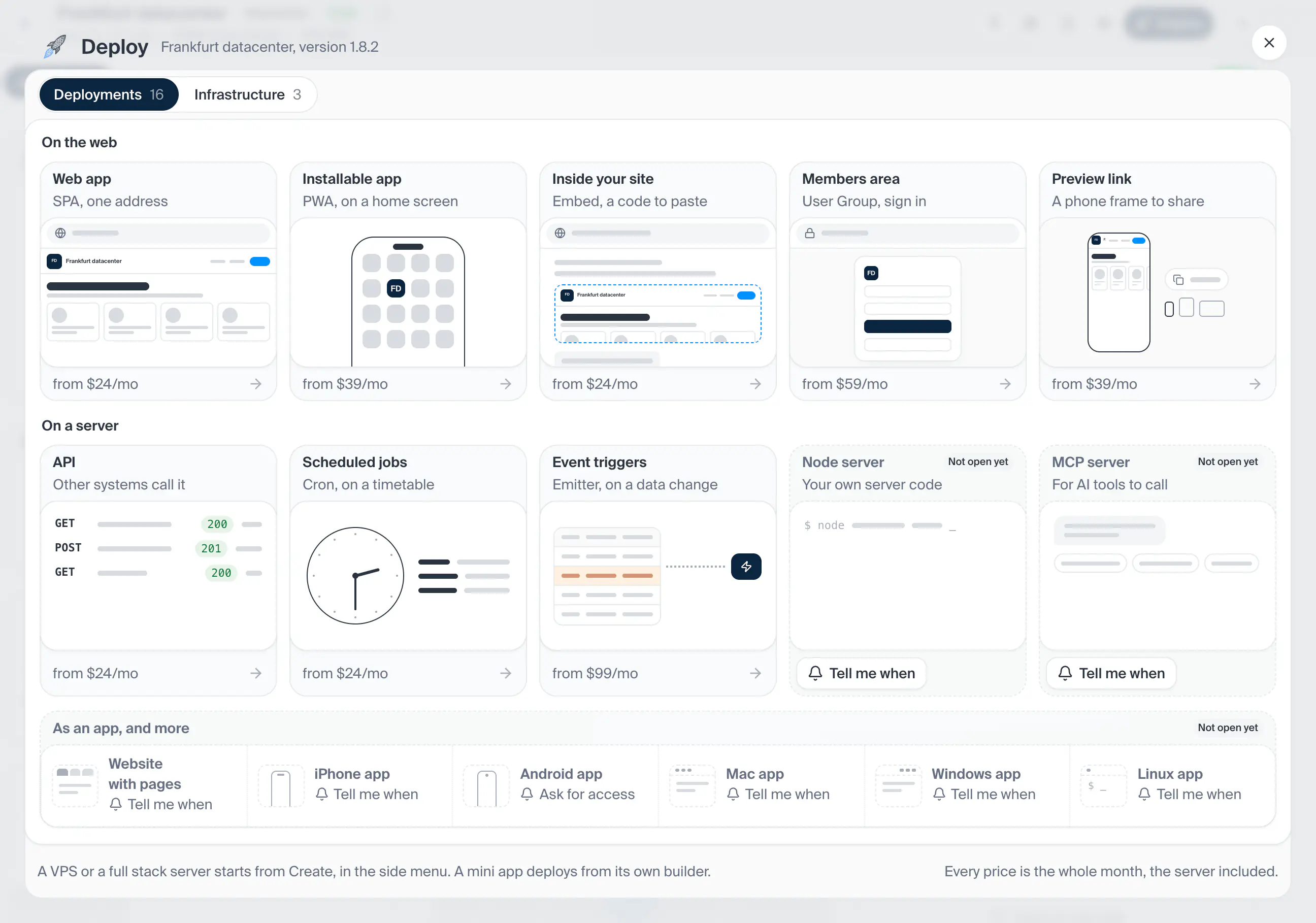
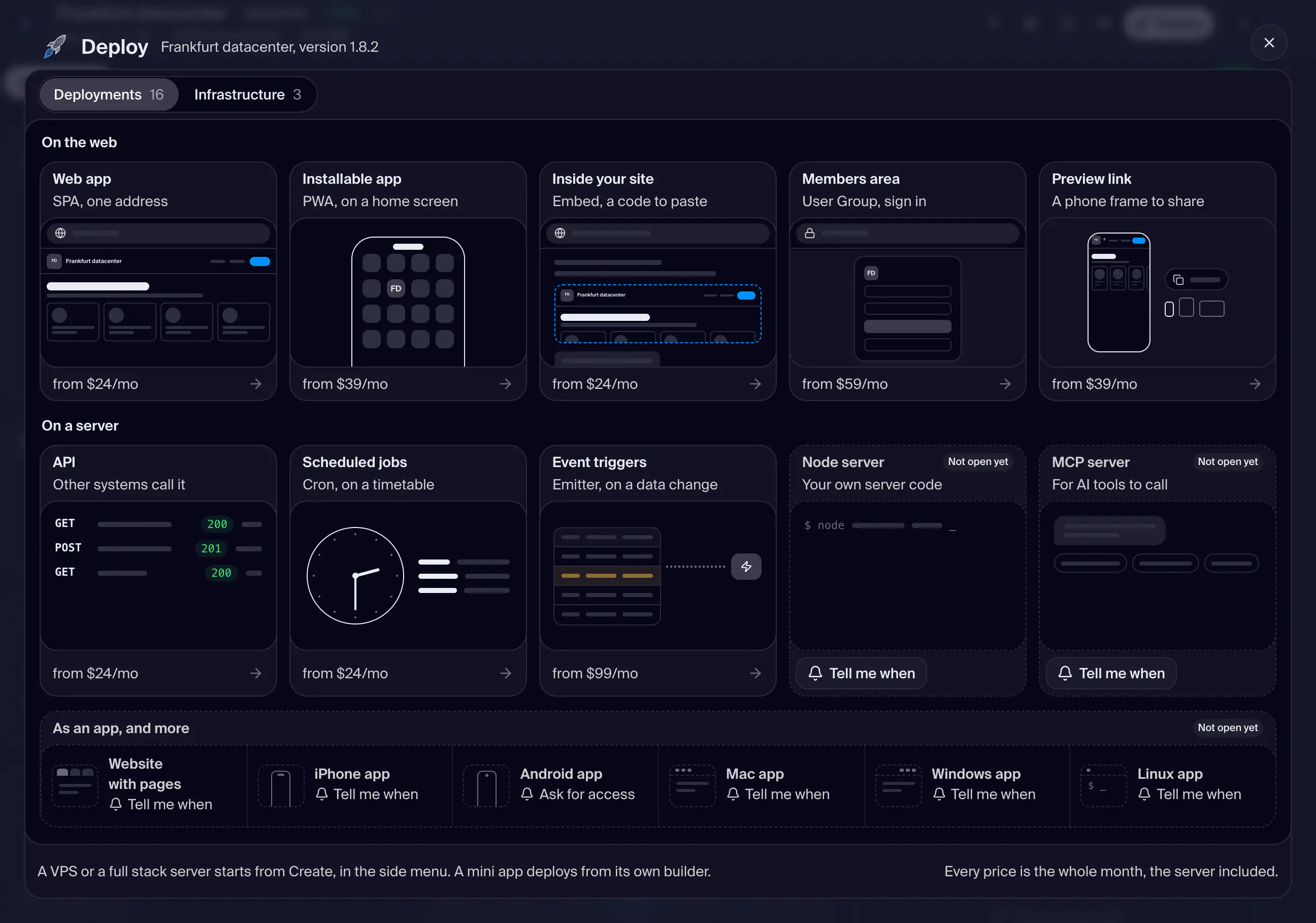
12in the order they sit on the screenThe header floats on the backdrop above the window card.
One pill per group at the top of the window card, each with how many cards the group holds. Pressing a pill scrolls the list to that group, and scrolling the list lights the pill of the group you are in. The pills are put away once you pick a card.
The Infrastructure group of the list, between On a server and On a phone. The deploy types' own cards are described with the order (deployments.order). A card marked Early access takes you to support to ask for it, and the window closes; a card marked Upgrade needs a higher plan and opens the plans first.
On a wide window only.
Shot from the dashboard on November 20, 2026. The business and its customers are made up.
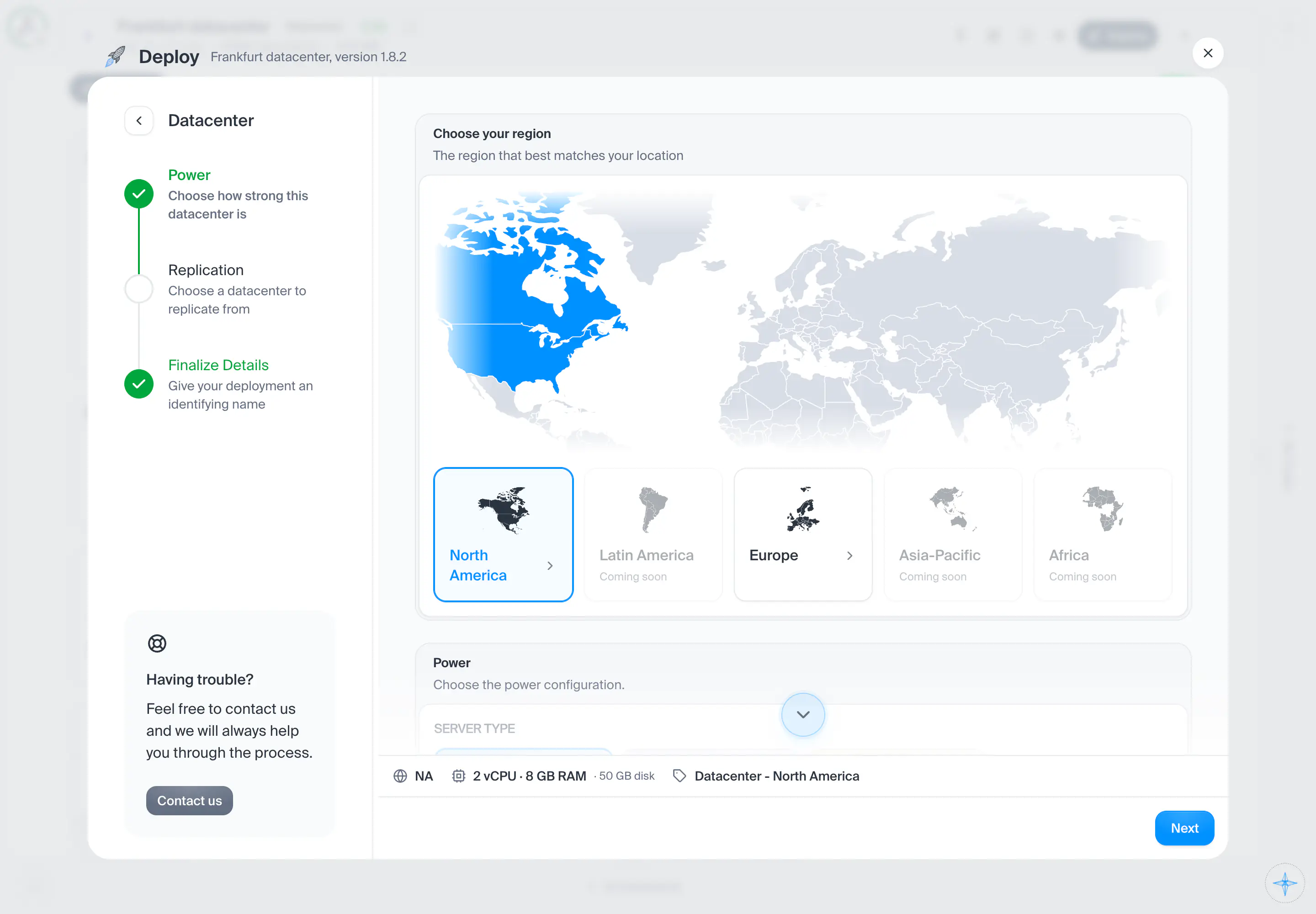
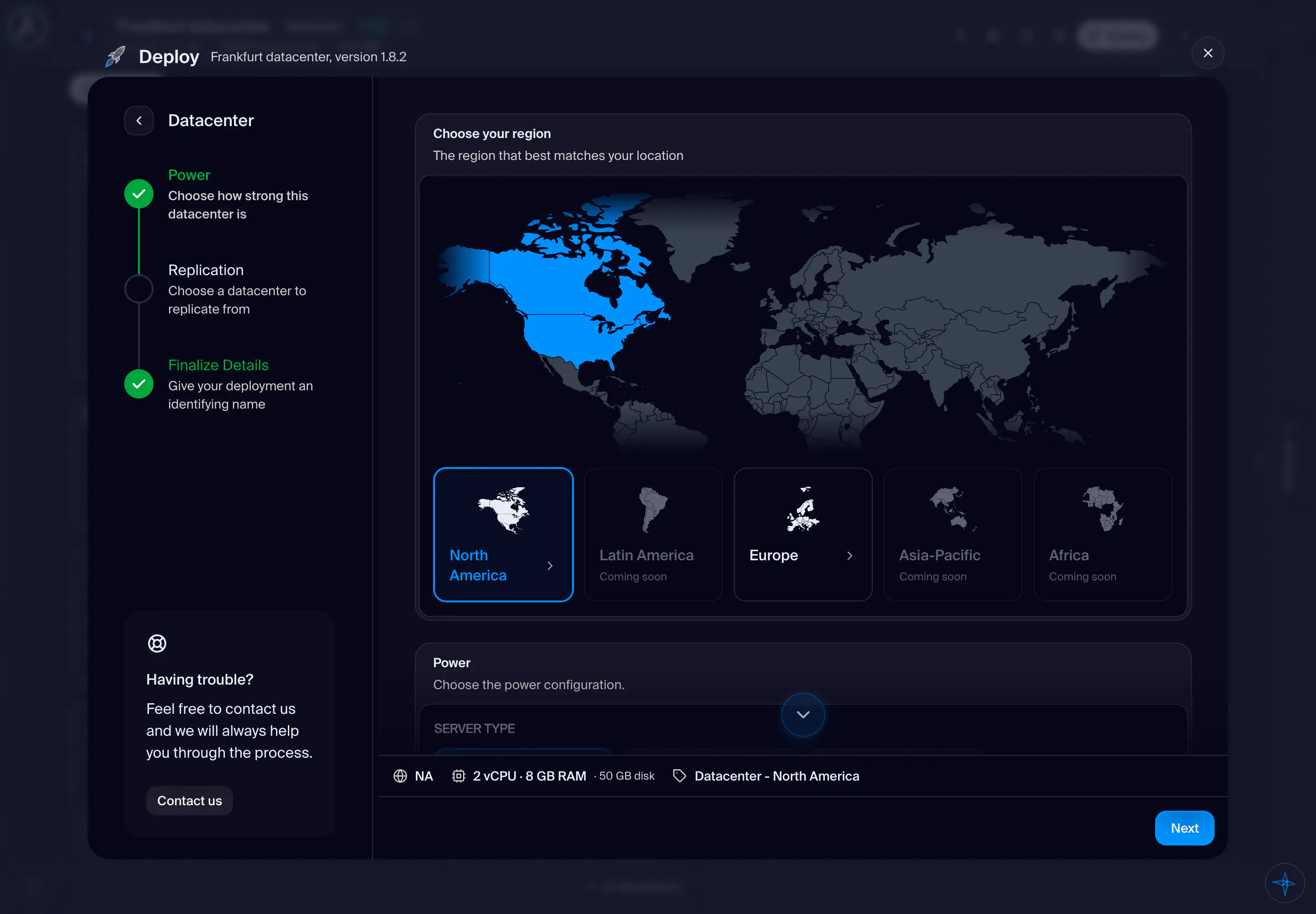
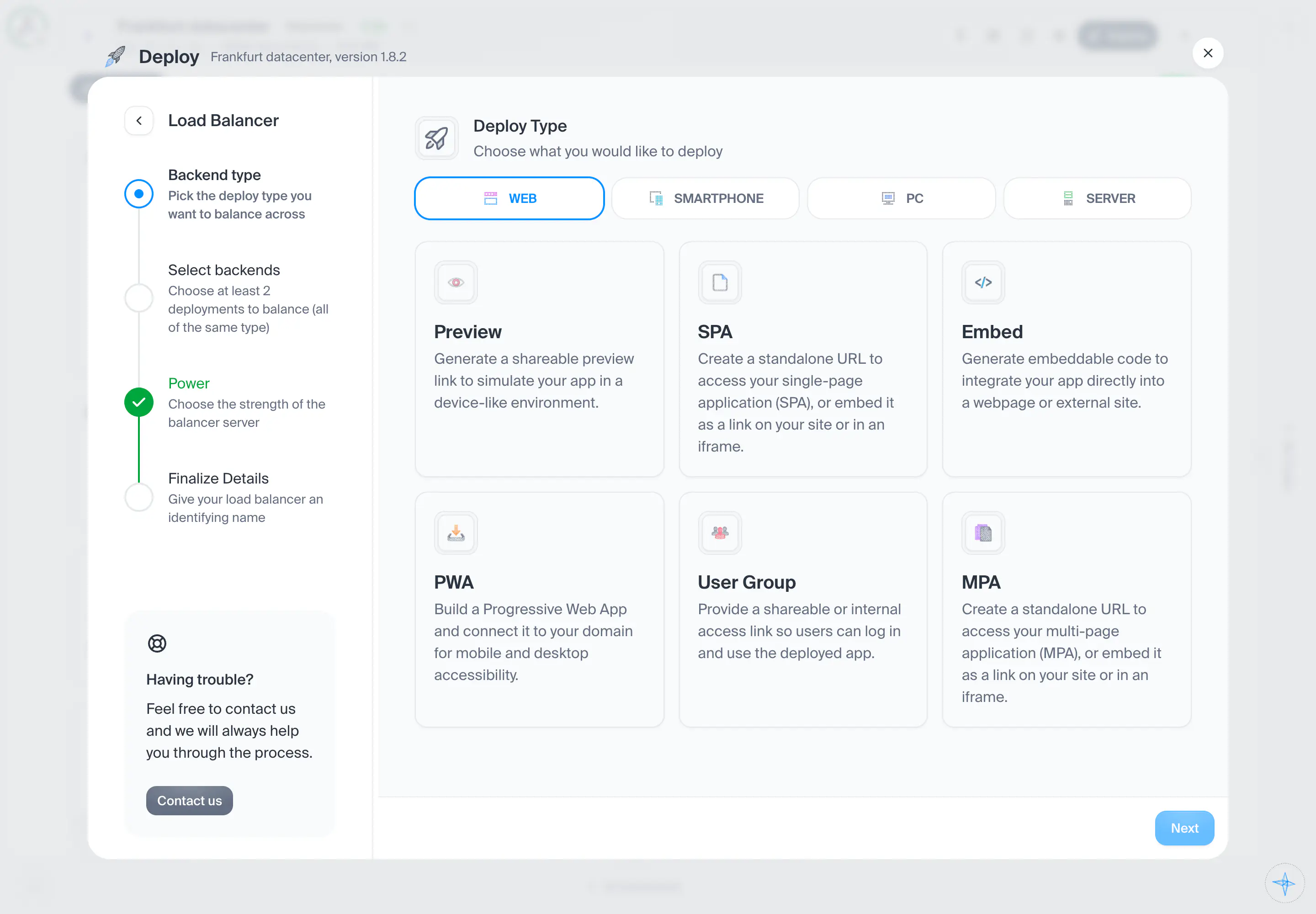
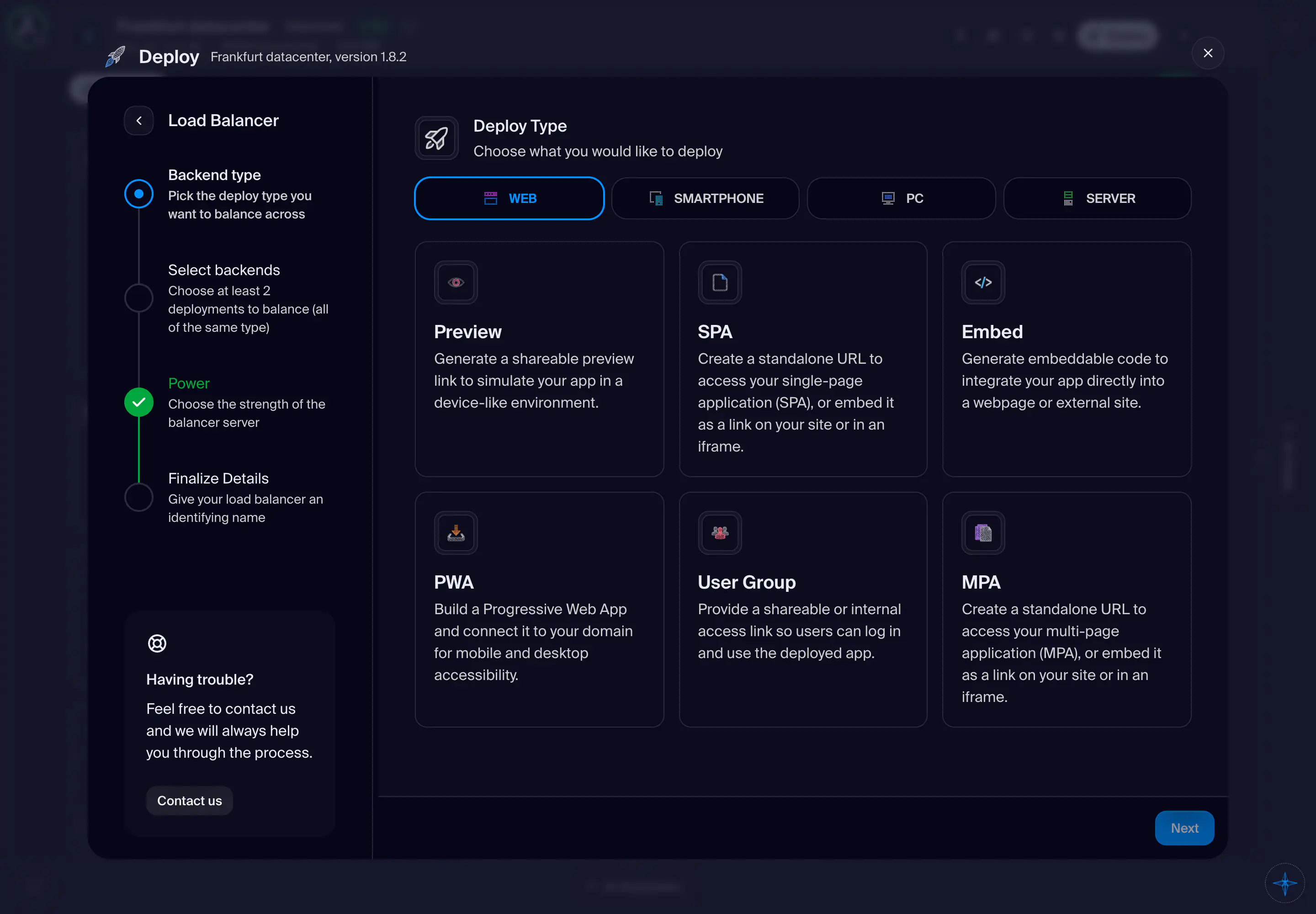
A project's Deploy is a popup window over the project. It opens on one list of picture cards: the types you can deploy and the infrastructure the project runs on, in groups, with a row of pills that scrolls the list to each group. There are no tabs. A type's card opens its numbered steps, and an infrastructure card (Instance, Datacenter, Load Balancer) opens its own steps in this same window, with All types in the foot's corner to come back. A card marked Not open yet or Early access takes you to support to ask for it, and the window closes. A press on the backdrop never closes it, because an order may be half made. Miniapp, VPS, Full Stack VPS and Webserver are not offered here: a VPS and a Full Stack VPS start from Create, and a mini app deploys from its own builder.
- How you get here
- Deploy
What opens from here