Workspace settings
One workspace: its plan, its people, its memory and its servers.
Parts
7in the order they sit on the screenSteps7
Enlarged
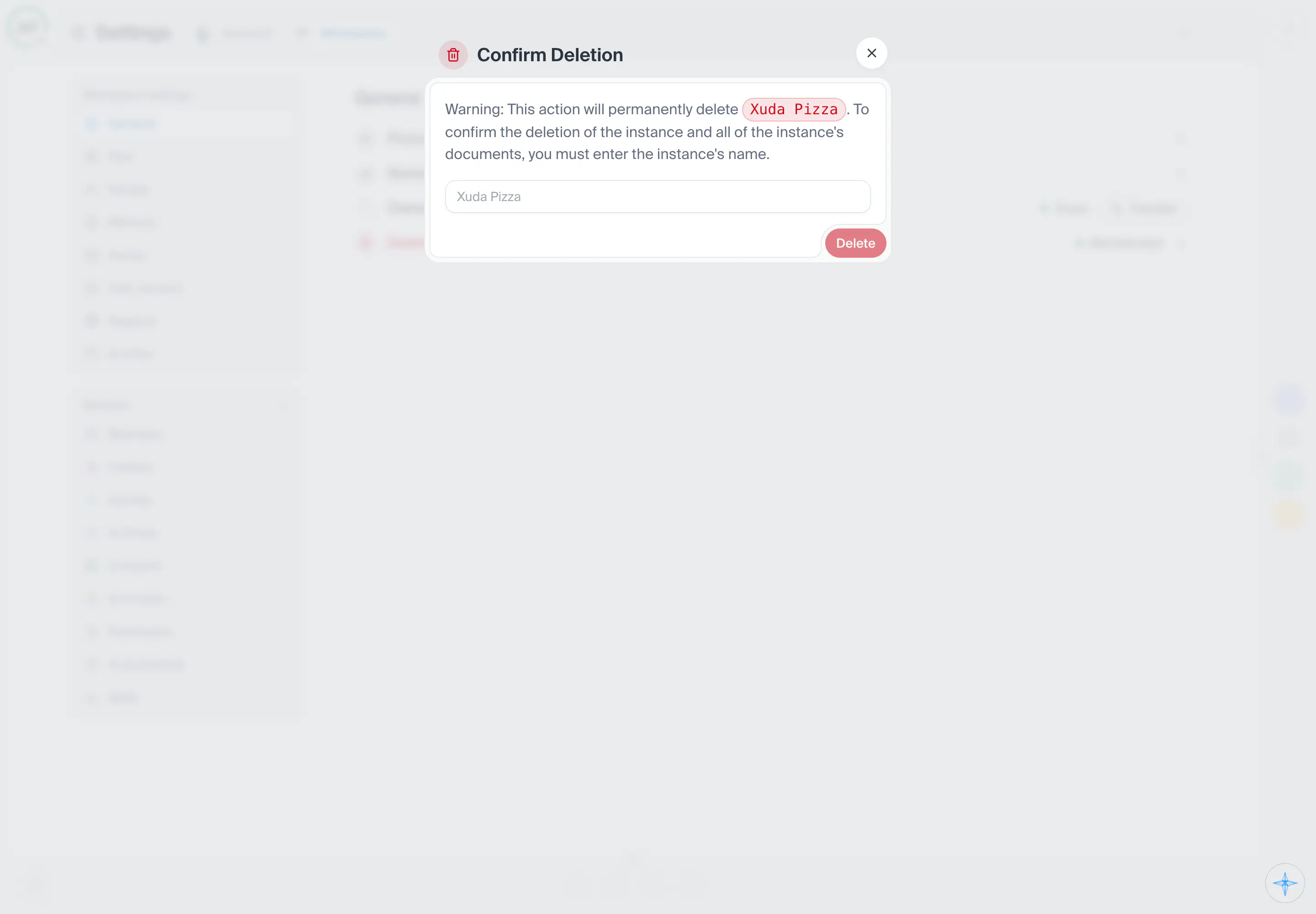
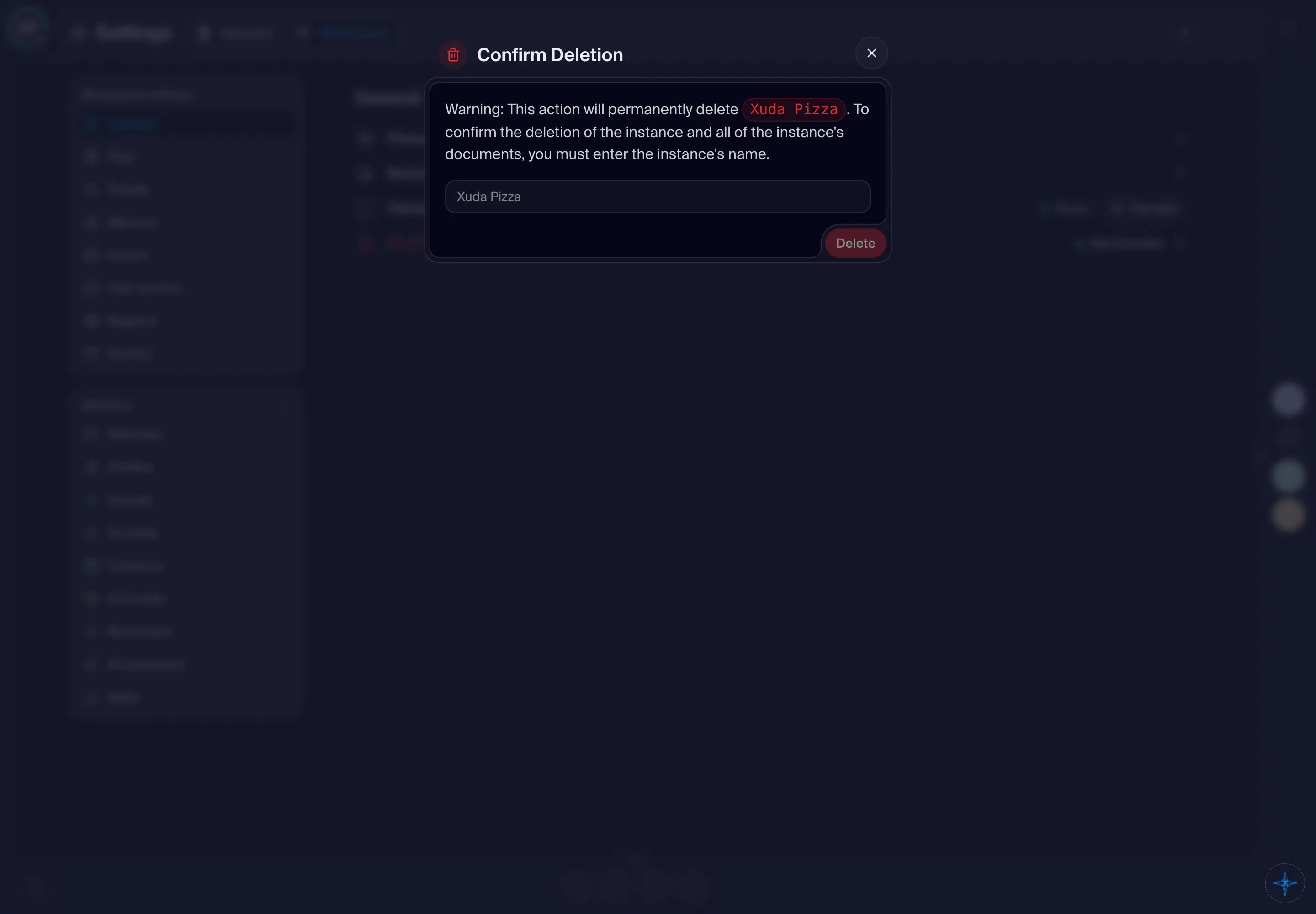
The name of the thing to destroy, typed exactly. Until it matches, the first button stays off and the window says the name does not match.
Shot from the dashboard on November 20, 2026. The business and its customers are made up.
The steps to destroy a workspace or a project. First you type its exact name. Then Xuda checks what is in the way. If a code is needed, it is mailed to you and you type it. Then you are asked once more. If something stands in the way (AI agents working on it, the Workspace VPS, items inside it), the window says what and where, and nothing is destroyed. Destroying is final: the project and its backups are scrubbed.
- How you get here
- Destroyand 1 other way