Account settings
You: your details, how you sign in, what you pay with and what reaches you.
Parts
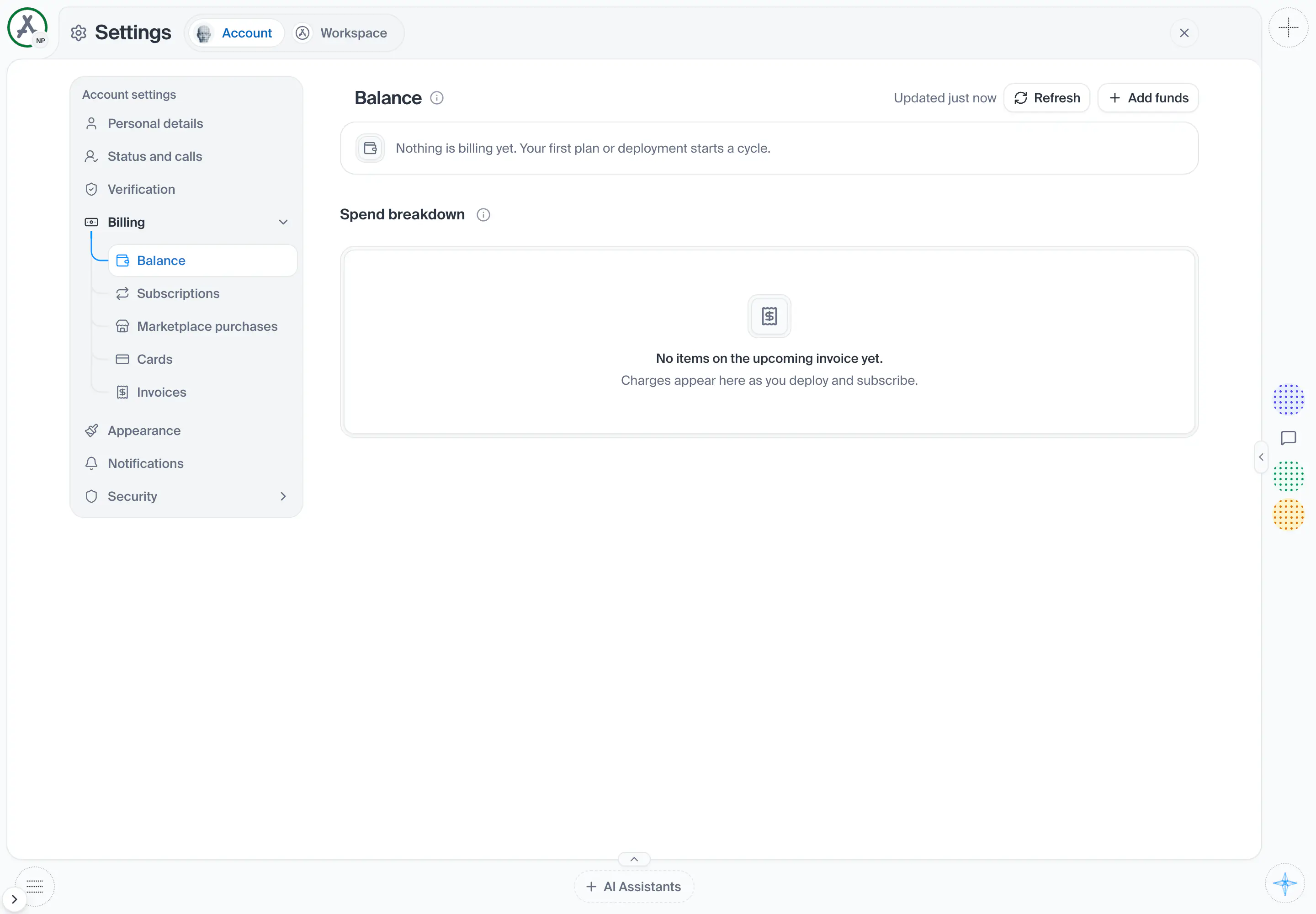
21in the order they sit on the screenWhen the numbers were last read. It re-reads itself every minute so it cannot go stale while the page is left open.
Shows when: The numbers have been read at least once.
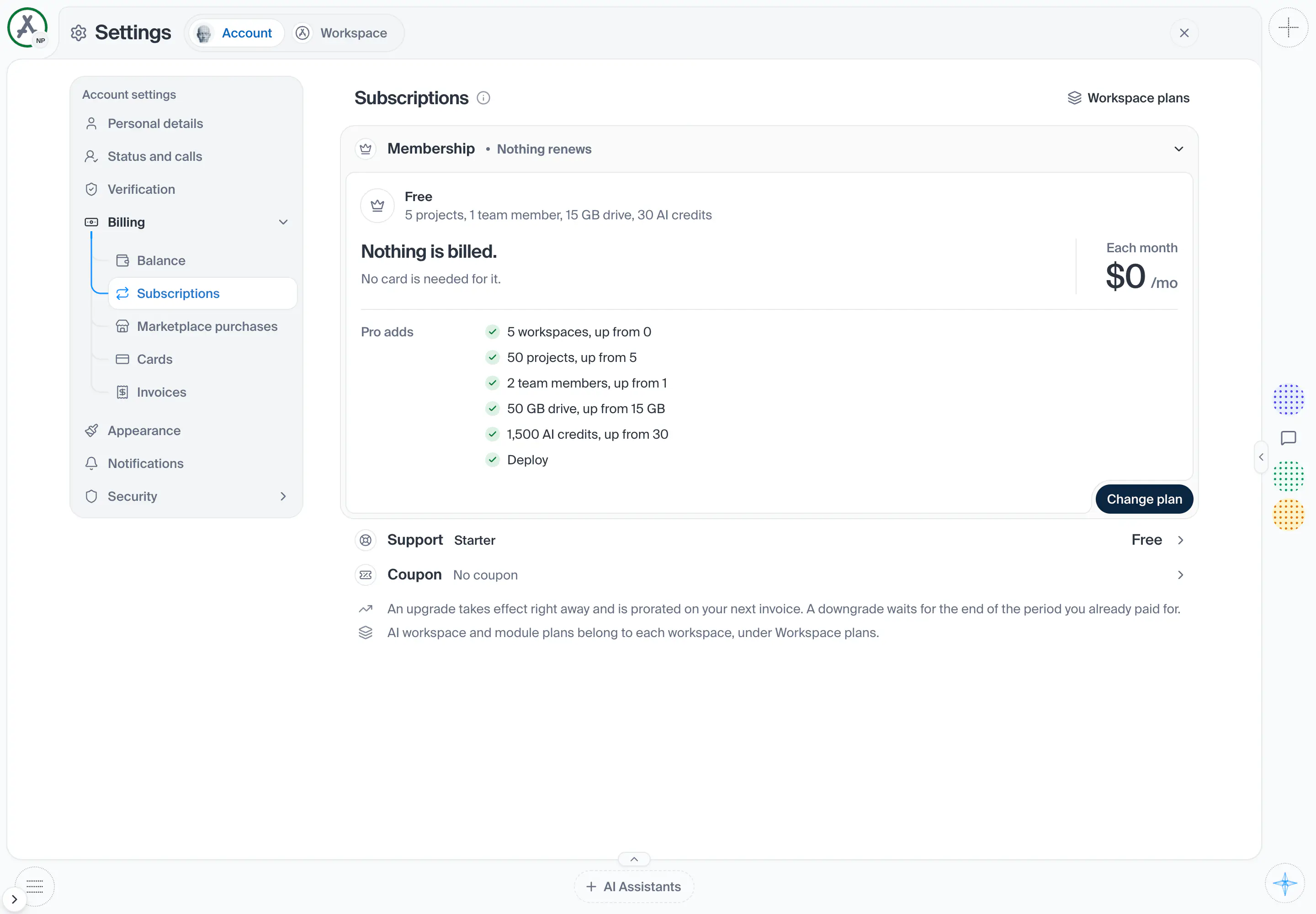
Shot from the dashboard on November 20, 2026. The business and its customers are made up.
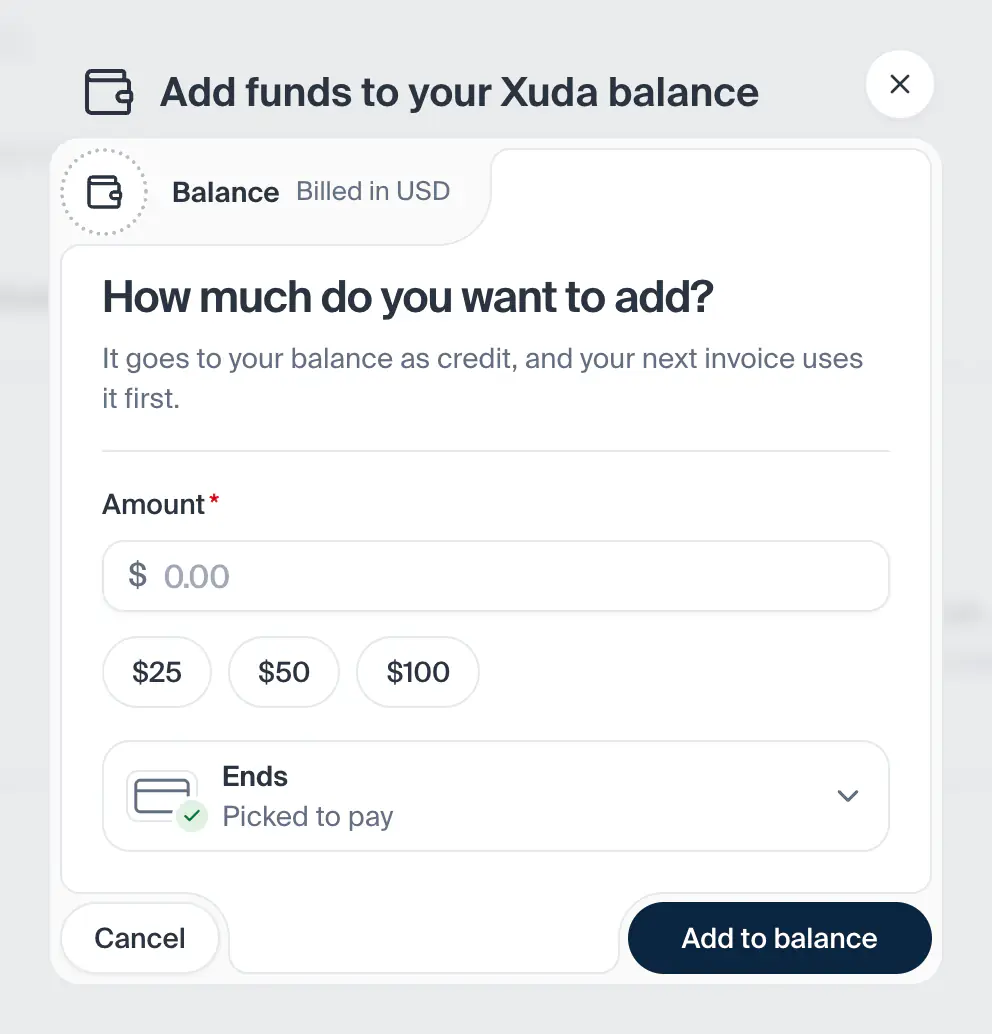
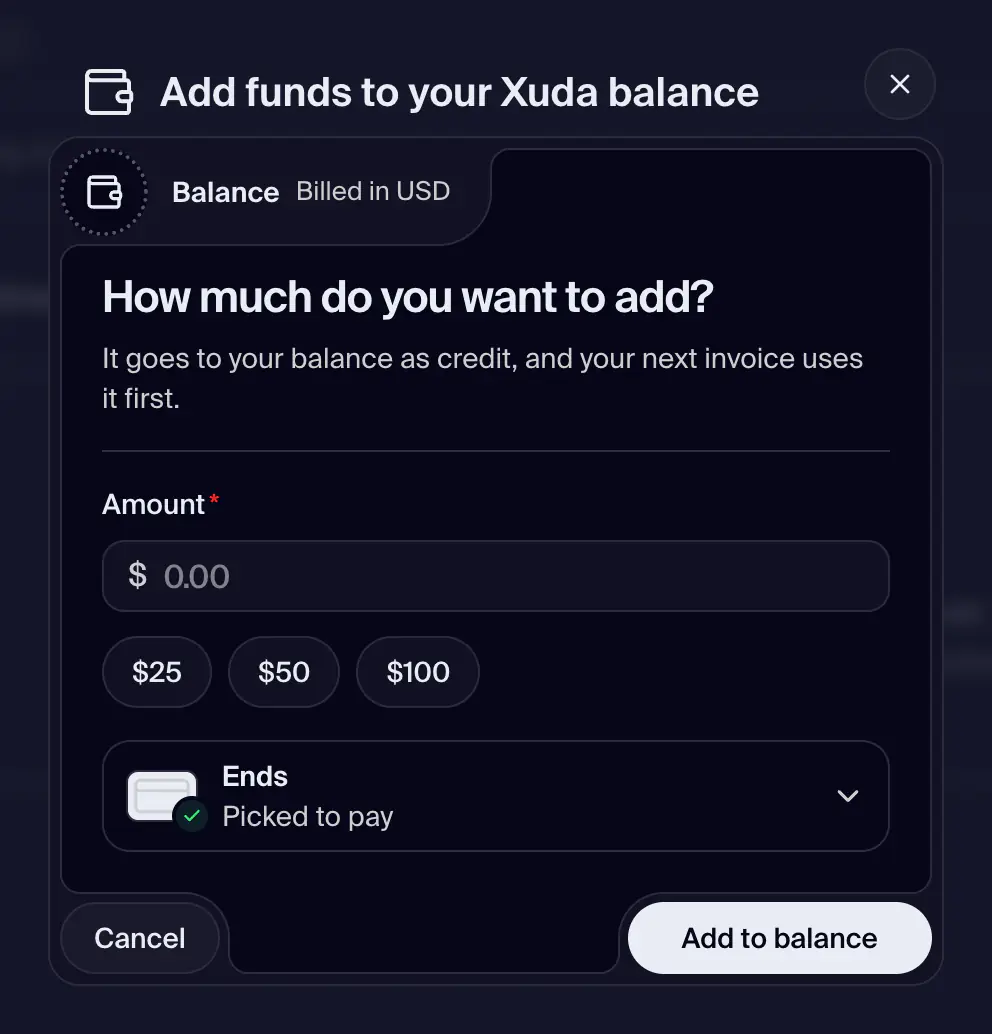
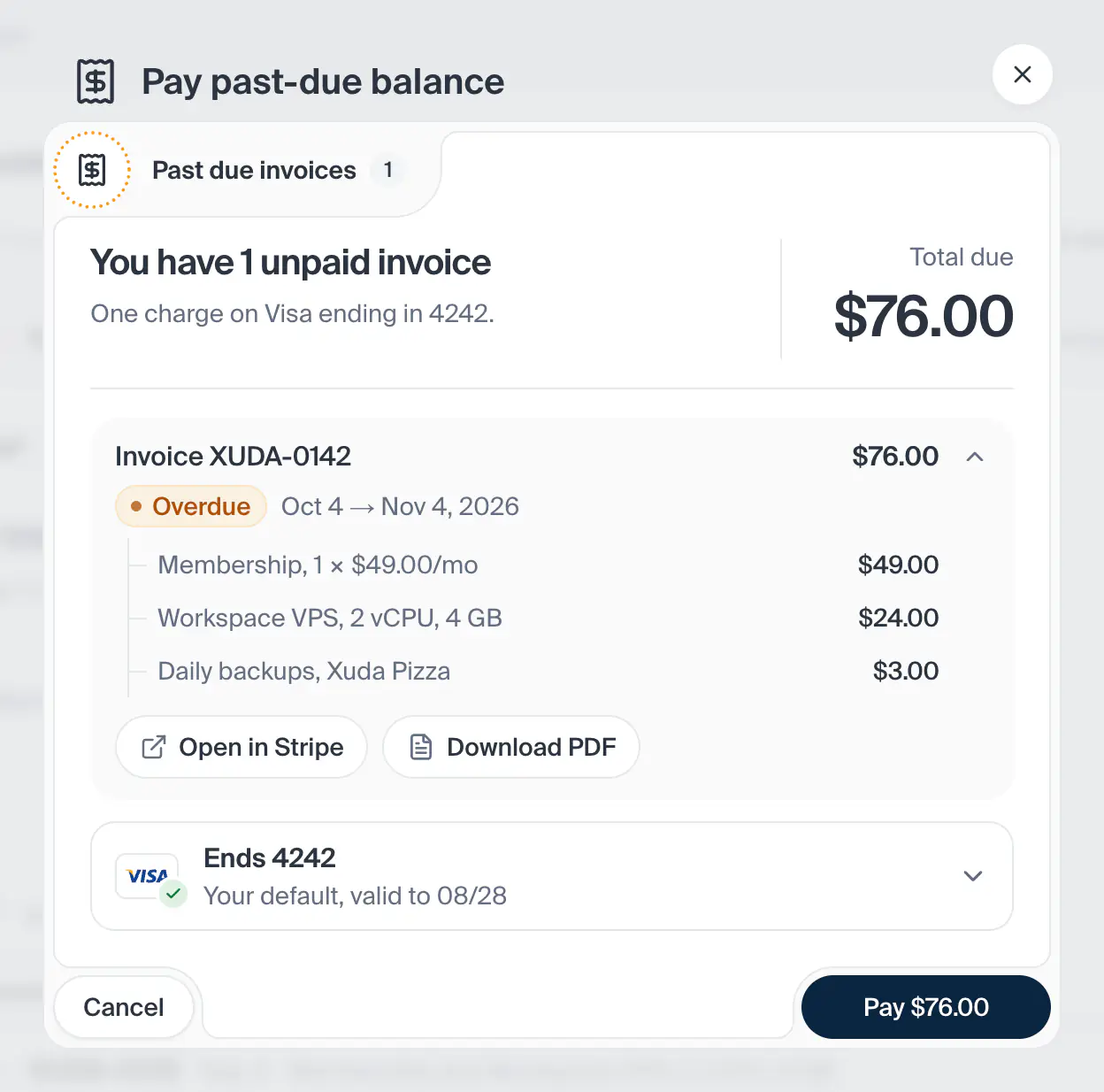
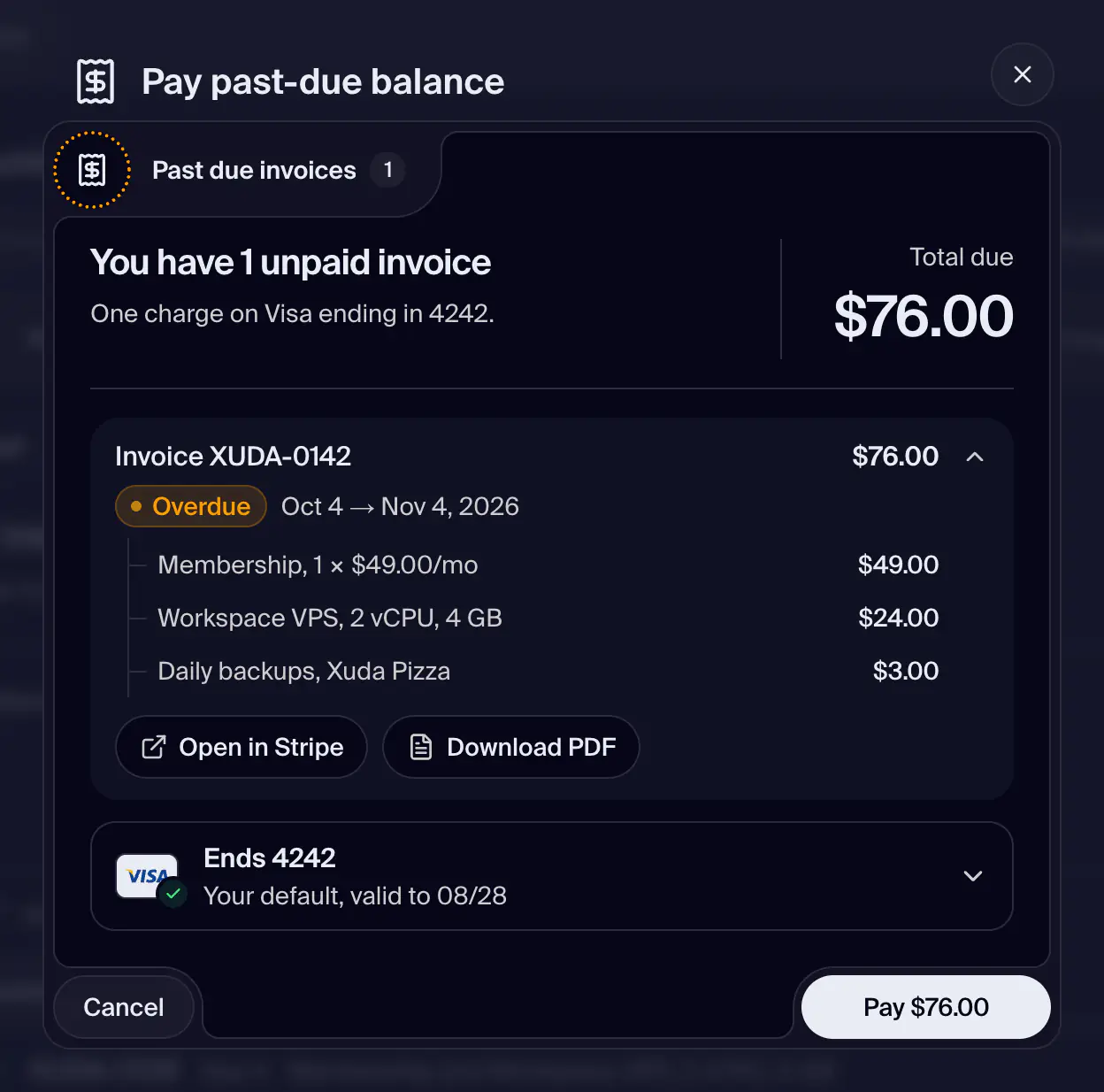
The money of this billing cycle: where the account stands, what the cycle costs so far and where it goes. A strip shows the cycle (its dates and the days left), what is used so far, and the last invoice with the ones before it as small bars. Under it, the Spend breakdown lists every charge of the cycle, by workspace or by type, and a ledger sums it. If the account owes something, is held or is suspended, a red banner says so first, with the way out. Add funds puts credit on the account; Refresh reads the numbers again, and a stamp says how old they are.
- How you get here
/dashboard/settings/billing/balance
What opens from here