Phone
Business numbers that ring your team, with transfer, routing and recording.
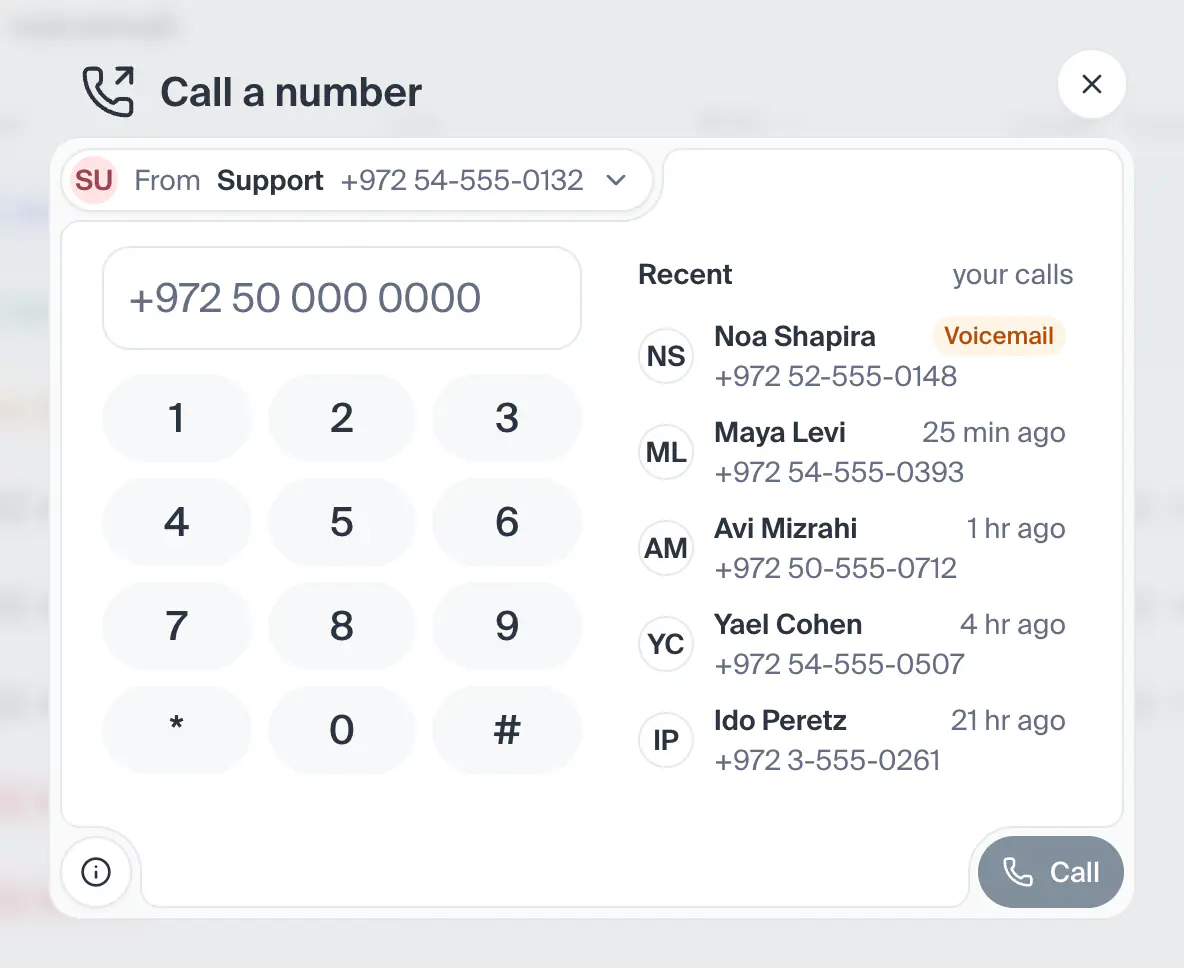
This screen has no picture yet. Every part of it is listed and explained here, and the screen itself is one press away.
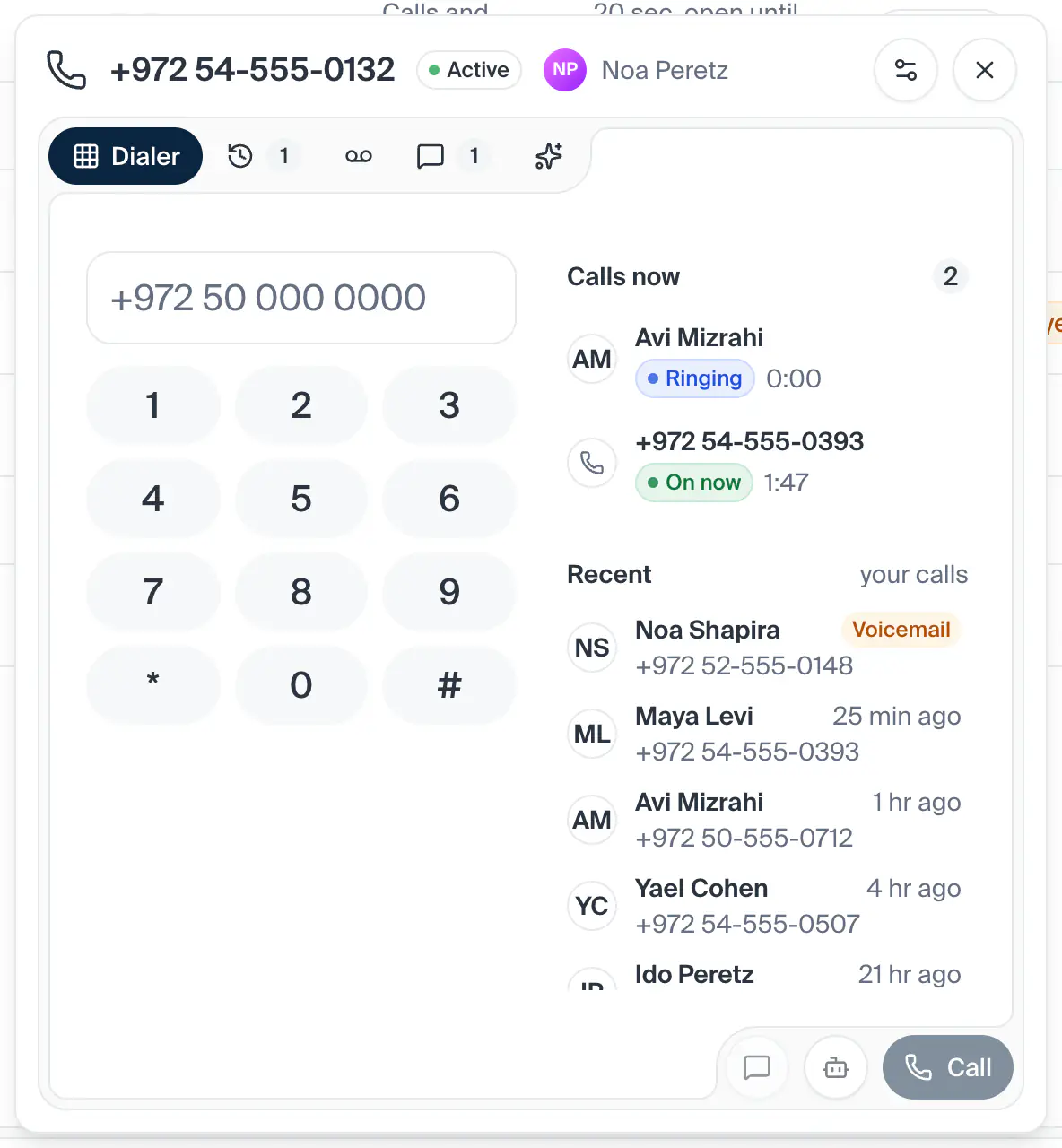
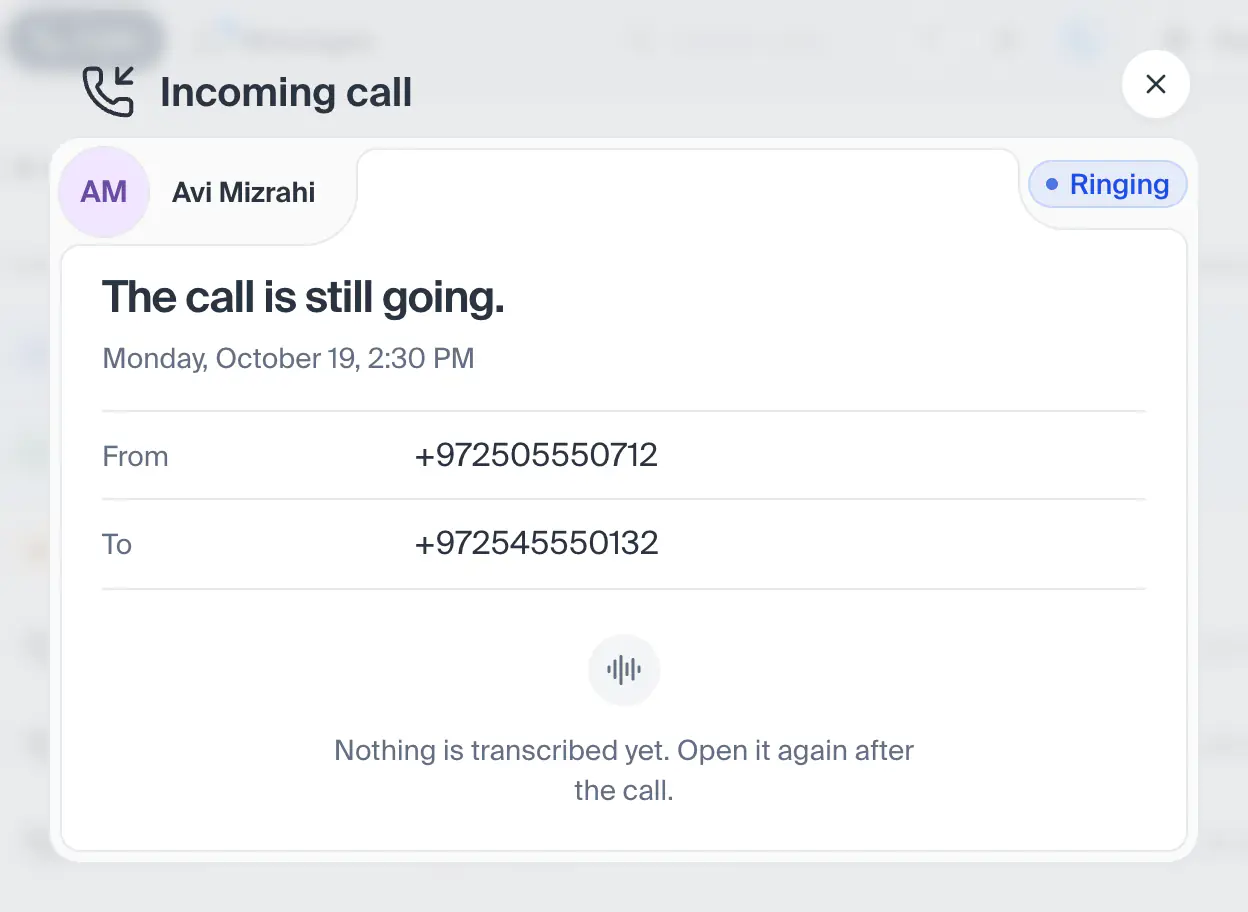
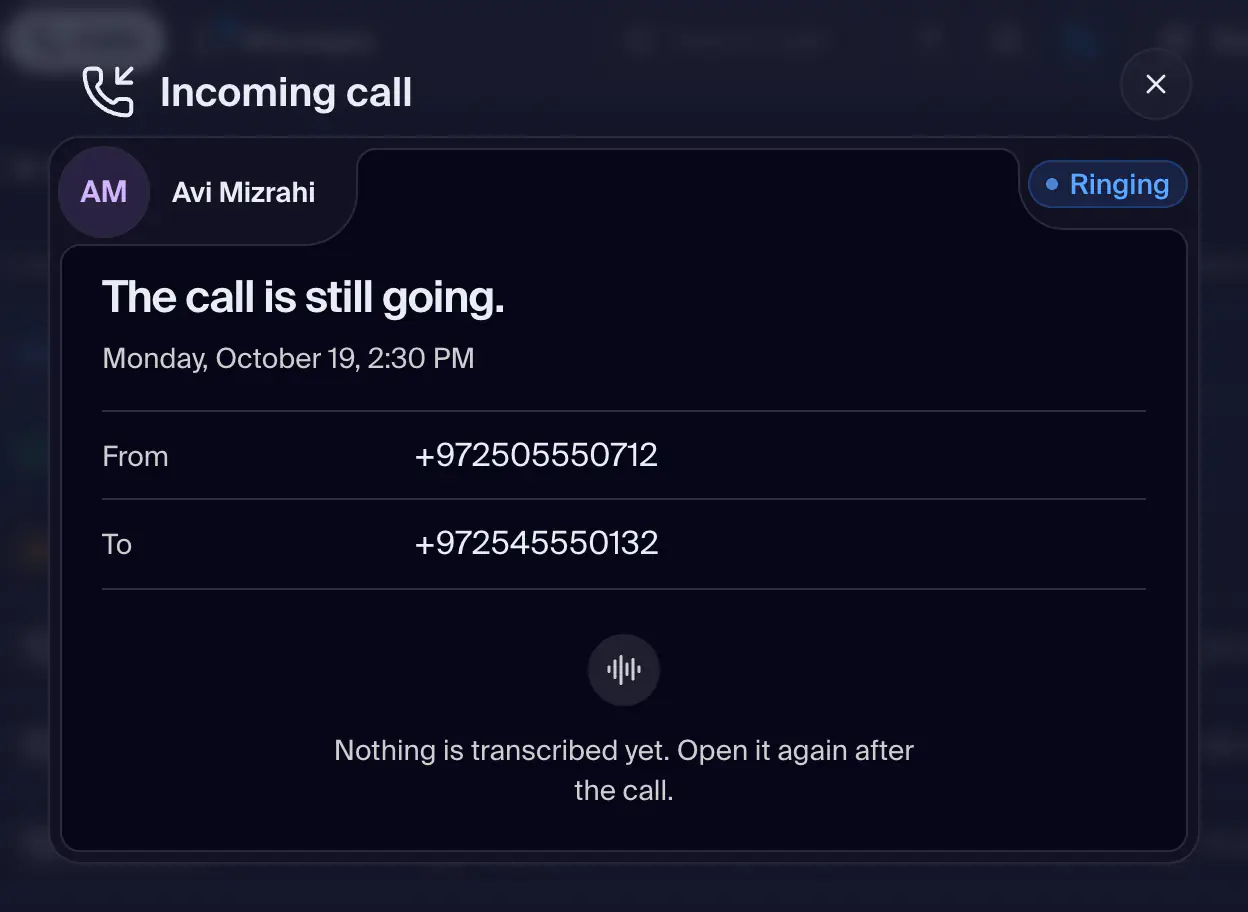
Open this screenEverything happening on your lines, in three columns joined by wires. Lines on the start side, each with its flag, its number, its profile and what it is doing now. Then Answered by, the people your lines ring (or your Assistant where she answers first), each wired to the lines that ring them. Then Calls now, the calls ringing or on now. Under the three, today's calls hour by hour. A live call is drawn as its path: from its line, through the people it rings while it rings (blue, the wire marching), or through the person on it once answered (green, a light running along it), to the caller's card. Who is on a call is shown only where Xuda knows it: your own call in this browser, or the names in the call's room; otherwise the path runs through a point between the columns. Press a line to pick it: its wires stand out and the other columns show its own people and calls. Everything that moves stands still when your system asks for less motion. On a narrow screen the three columns stack and the wires are not drawn.
- How you get here
/dashboard/phone
What opens from here