Meet
Video meetings and rooms.
This screen has no picture yet. This screen is part of a live call, and only a real call between two people shows it, so it has no picture. Every part of it is listed and explained here, and the screen itself is one press away.
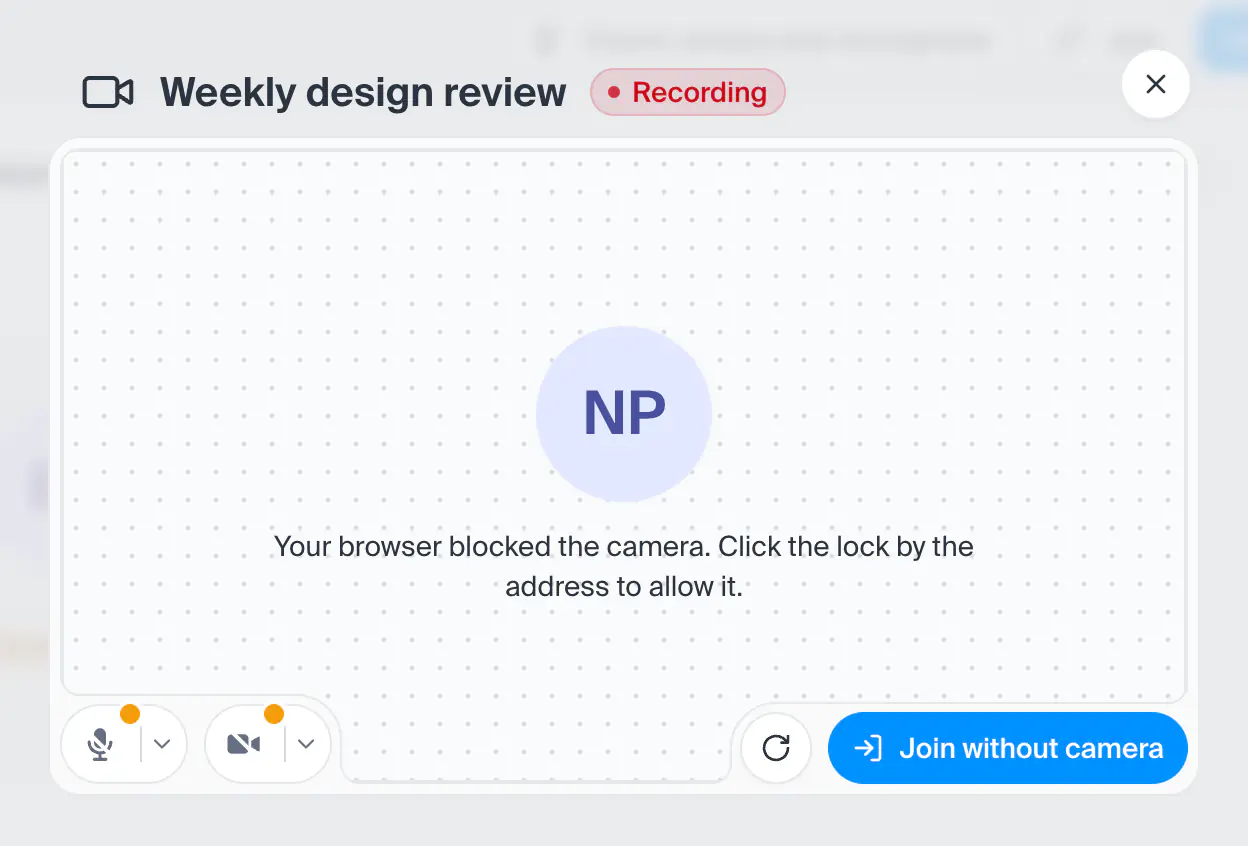
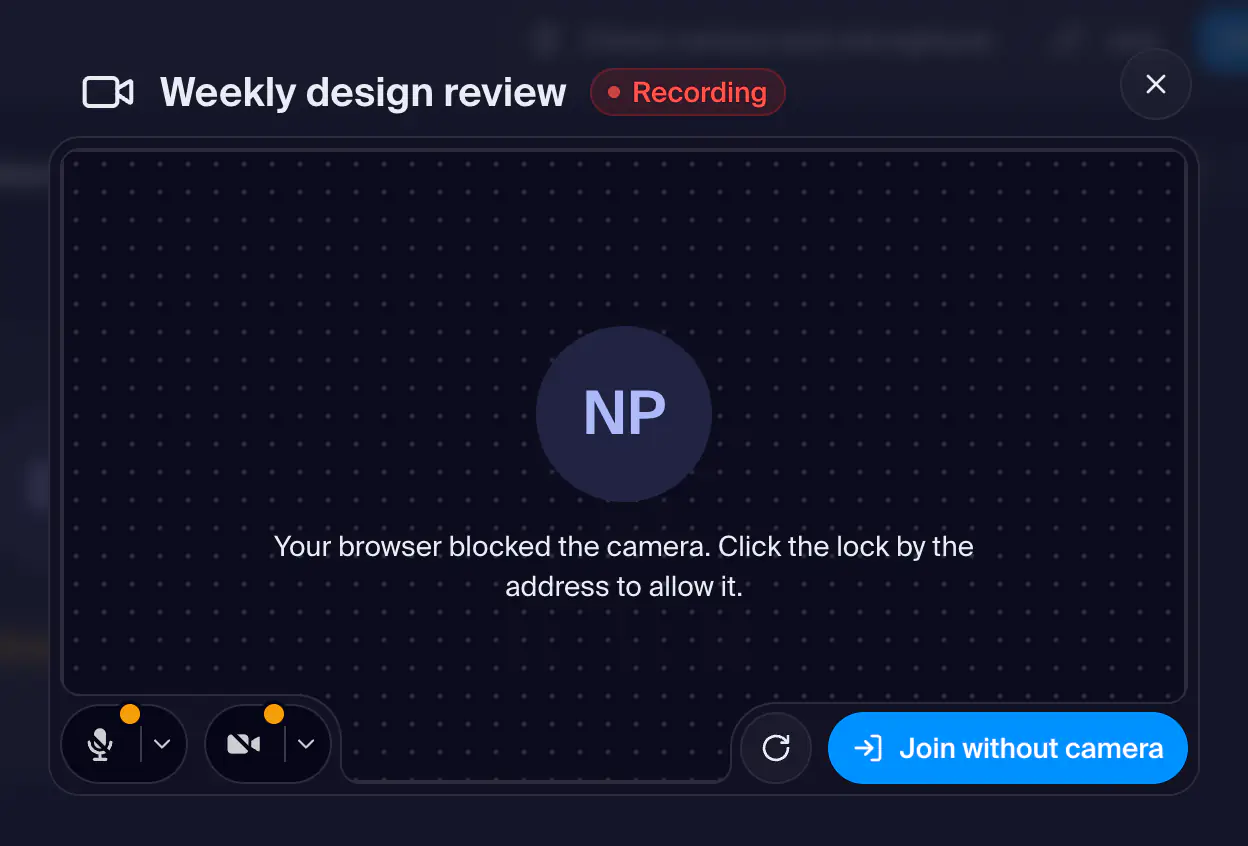
Open this screenThe address of a room, /dashboard/meet/room/ and the room's link name. It is a thin opener: it opens the Start window over the page, and once you go in, the call runs in a layer over the whole dashboard (the call screen). Leaving the room's address folds the call into the call card, and the call goes on.
- How you get here
/dashboard/meet/room/:slug
What opens from here