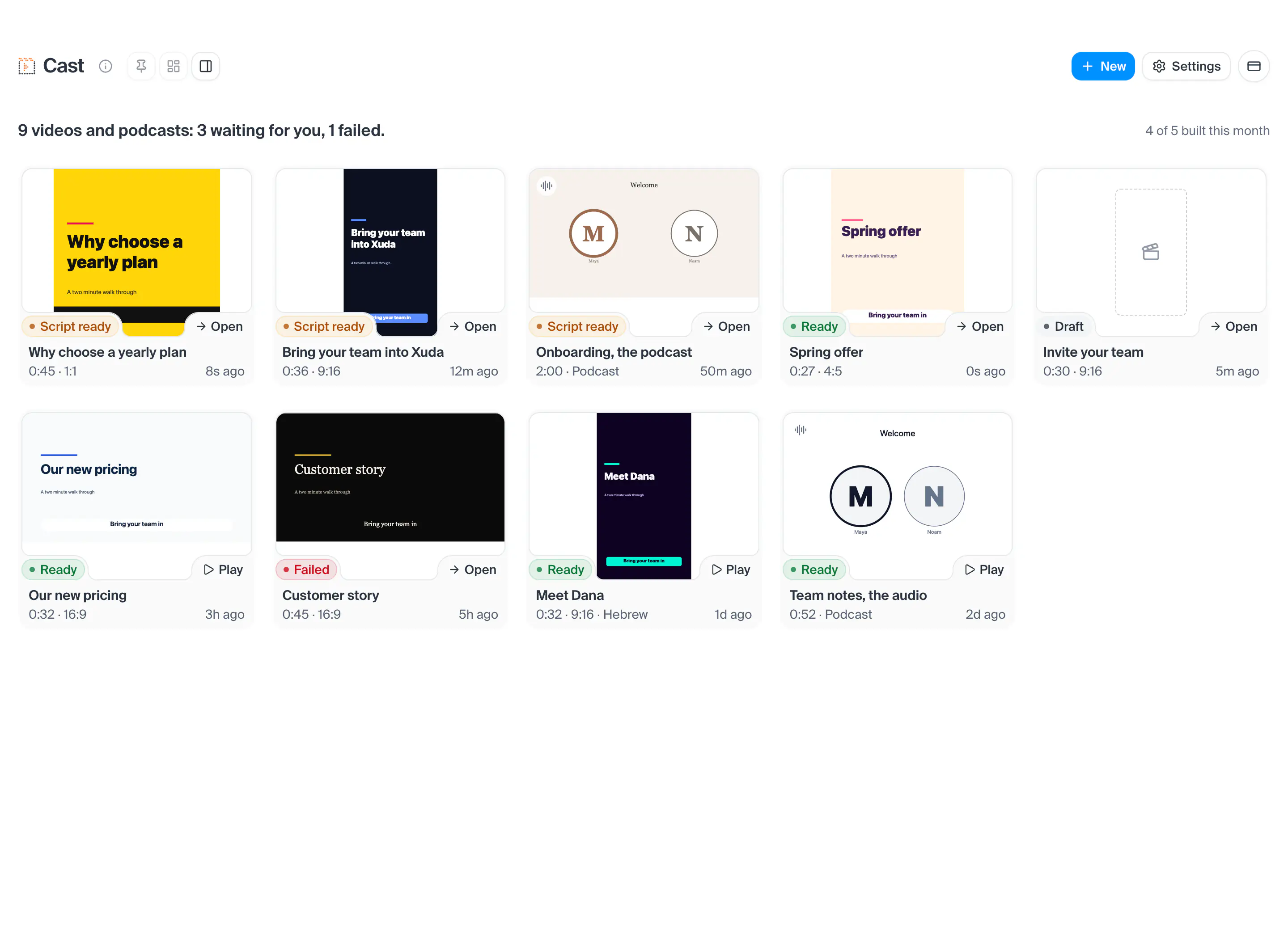
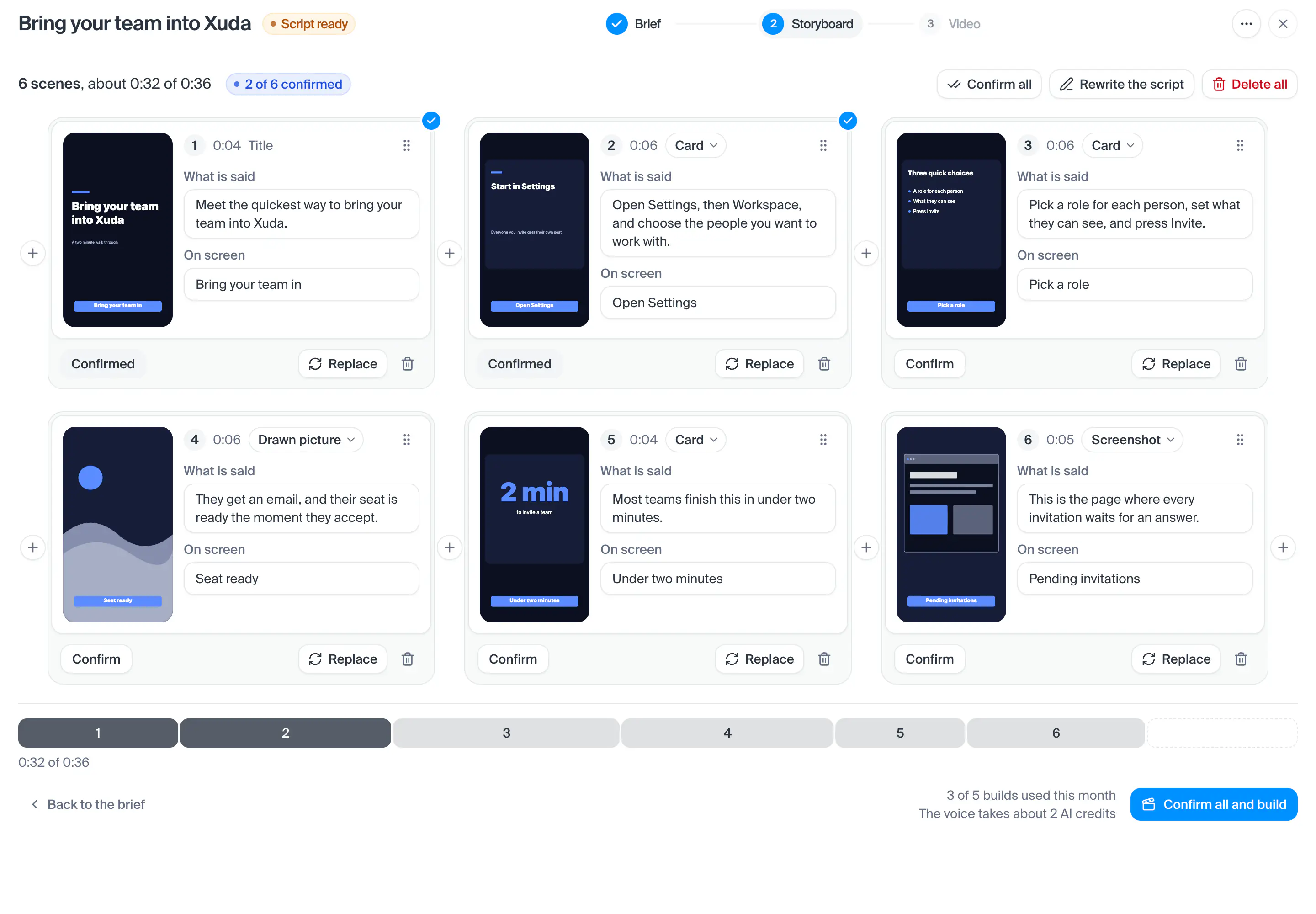
Cast
Videos and podcasts made from your own files, contacts and chats.
This screen has no picture yet. Every part of it is listed and explained here, and the screen itself is one press away.
Open this screenWhere a new video or podcast starts, laid out like the website create. Say what it is about in the box, drop in what it is made from (a Drive file or folder, a contact, an AI chat, a knowledge base, a pilot), and pick a template from the wall under it: each one is its first frame, and resting the pointer on it plays a short clip. Drag a template onto the box, or open it and press Use this template. When you send, the questions come as cards: what to make, what it is for, the length and shape, the look and who speaks. Make it writes the script and builds it; Show me the script first stops at the storyboard. Nothing is saved until one of the two is pressed. The wand beside Your drafts asks every question as a wizard instead, starting from what to make. Paste a YouTube link in the box to make it in that video's style: it is watched first (its cuts and transitions, tempo, colours, type, captions, camera and how it is built), the first card shows what was found, the other questions open on it and its look is offered as From the video. Only its style is used, never its content.
- How you get here
- Newand 1 other way
What opens from here