AI Assistants
Assistants that answer for you, in private or in public.
Parts
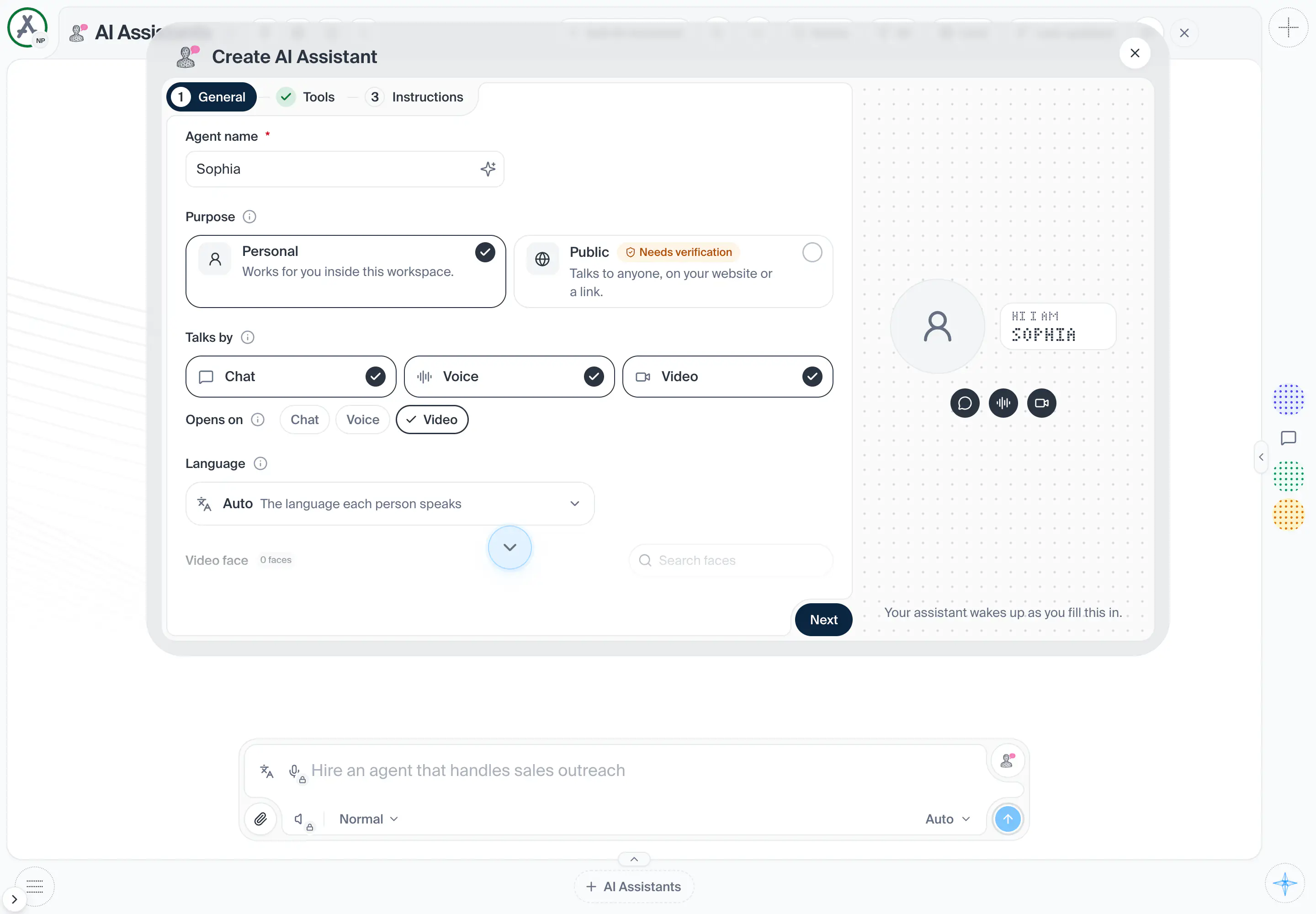
67in the order they sit on the screenThe General part is open.
The assistant's name. It is required: Create and Save refuse while it is empty and say so under the field. A sparkle button beside it can write or improve the name.
The Instructions part is open.
The Tools part is open.
The Deploy part is open.
Shot from the dashboard on November 20, 2026. The business and its customers are made up.
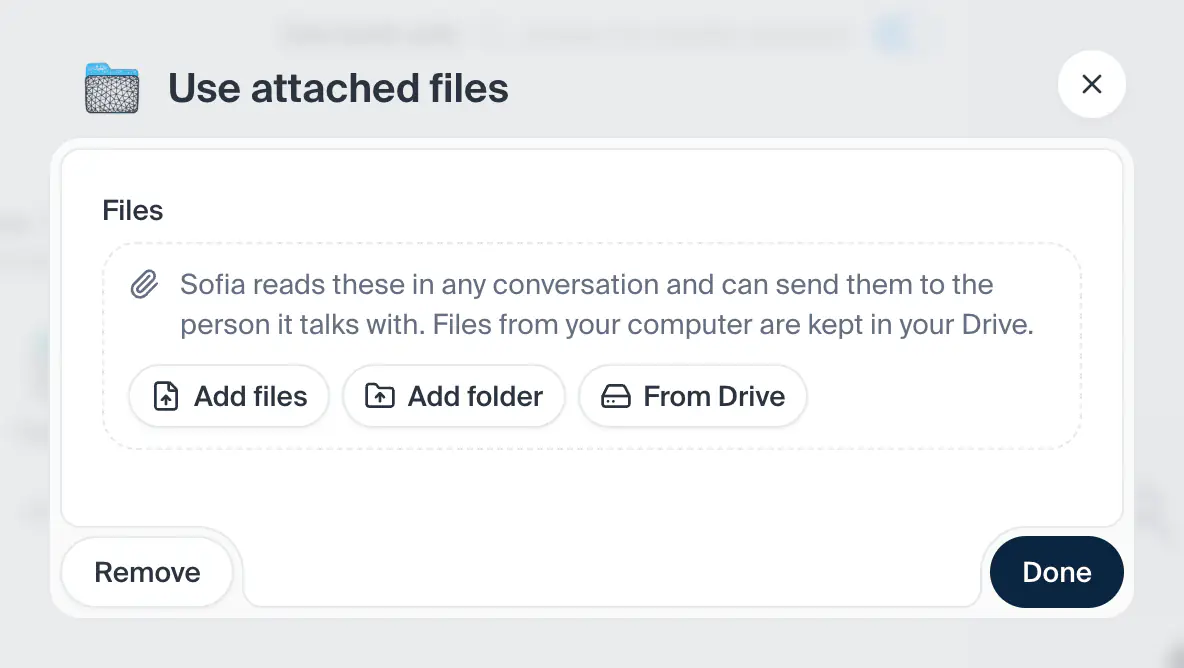
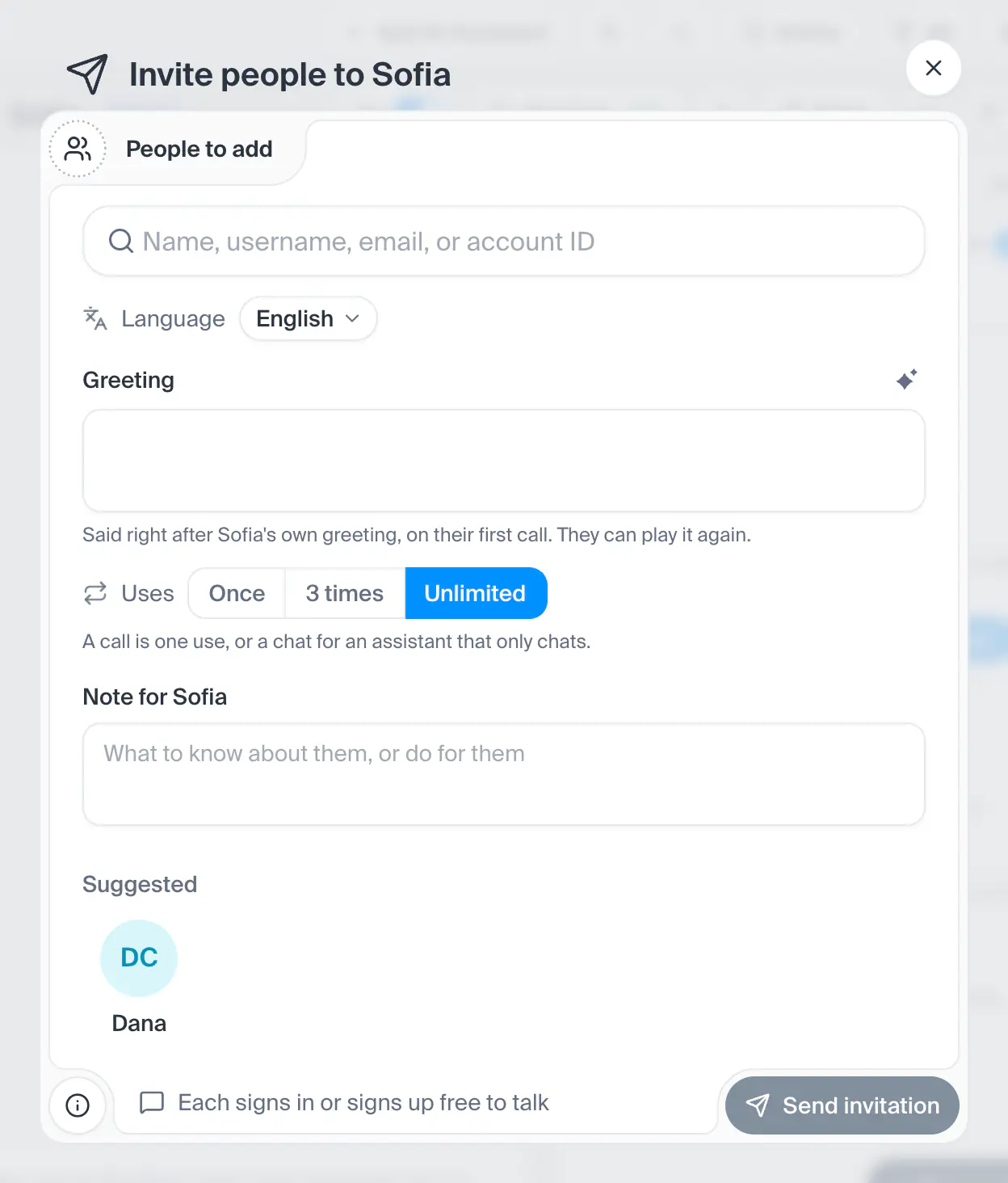
Makes a new assistant or changes one. It has four parts: General, Instructions, Tools, and Deploy once the assistant is Public. Making one walks the parts as steps, with Next; changing one shows them as tabs, with Save. The window does not cover the page, so you can drag a plugin or a Drive file into Tools from behind it (on a touch screen, while the whole window fits the screen; while it is taller, a finger anywhere on the screen scrolls the window). On a phone it fills the screen and scrolls by finger, and its title row, with Next, Create or Save beside the X, stays at the top while the parts scroll under it. Beside the parts, under the assistant's face, a summary of what it is set to follows every change before Save: purpose, ways to talk, language, voice and tools, and for a public one its visitors, touch display, time limits and presets.
- How you get here
- Add AI Assistantand 5 other ways
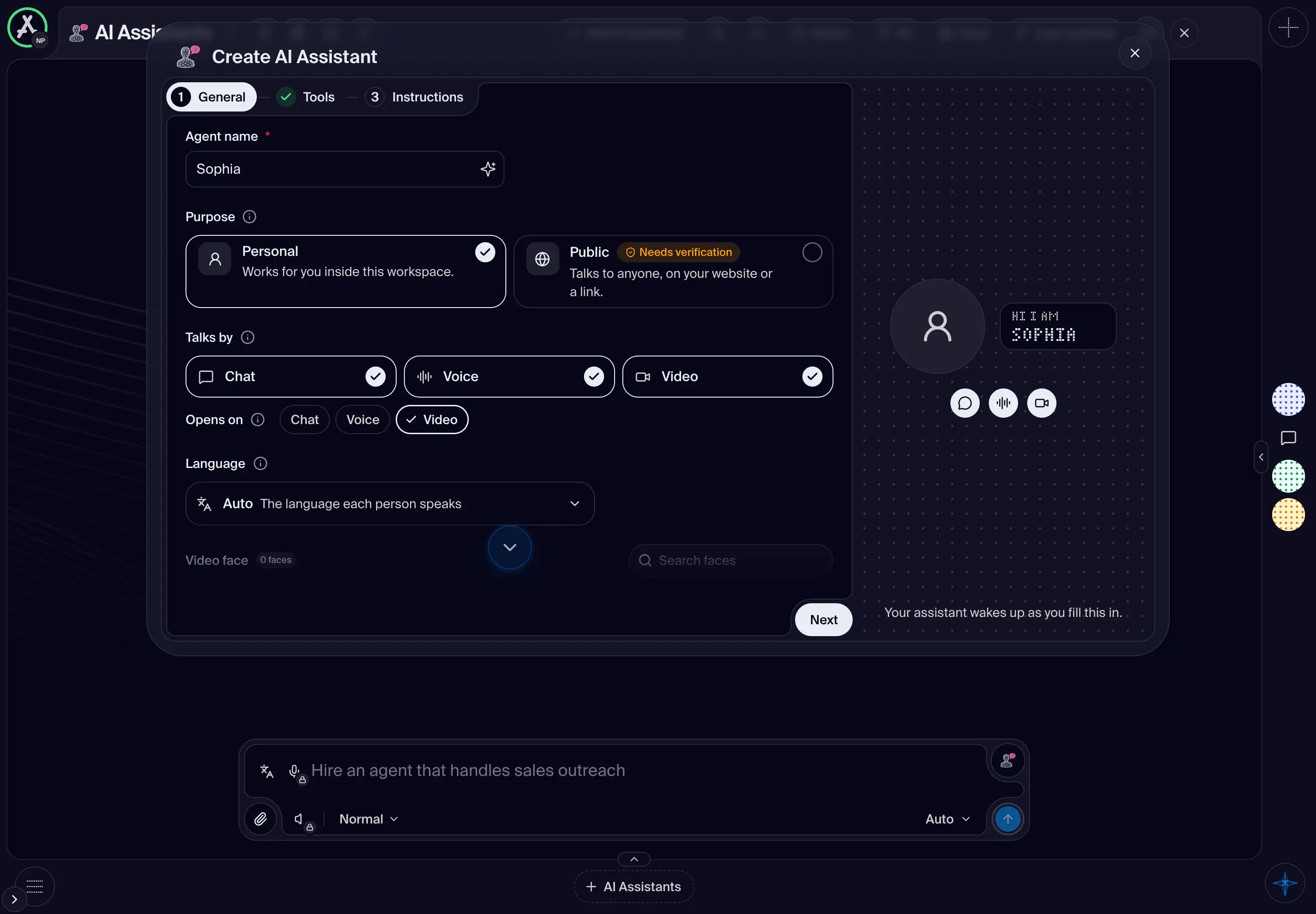
The same screen, in its other states
What opens from here